# Maskinporten
Product: Identity Universe
Source: https://docs.fortytwo.io/identity-universe/iam-core/connectors/maskinporten/
This is not a connector, but is used as authentication by several integrations.
[Maskinporten](https://samarbeid.digdir.no/maskinporten/dette-er-maskinporten/96) is a common OpenID Connect provider in Norwegian public sektor, used for machine to machine authentication to services like Altinn, Helsepersonellregisteret, SAP from DFØ and others. To allow Fortytwo access, you need to register an application in Maskinporten using the below steps.
## Steps
Maskinporten-clients are created using the self service portal from Digdir::
- For production, the client is created at [https://sjolvbetjening.samarbeid.digdir.no/](https://sjolvbetjening.samarbeid.digdir.no/)
- For test (meaning the Digdir test environment), the client is created at [https://sjolvbetjening.test.samarbeid.digdir.no/](https://sjolvbetjening.test.samarbeid.digdir.no/)
When you are signed, the organization you represent is shown in the top right corner:
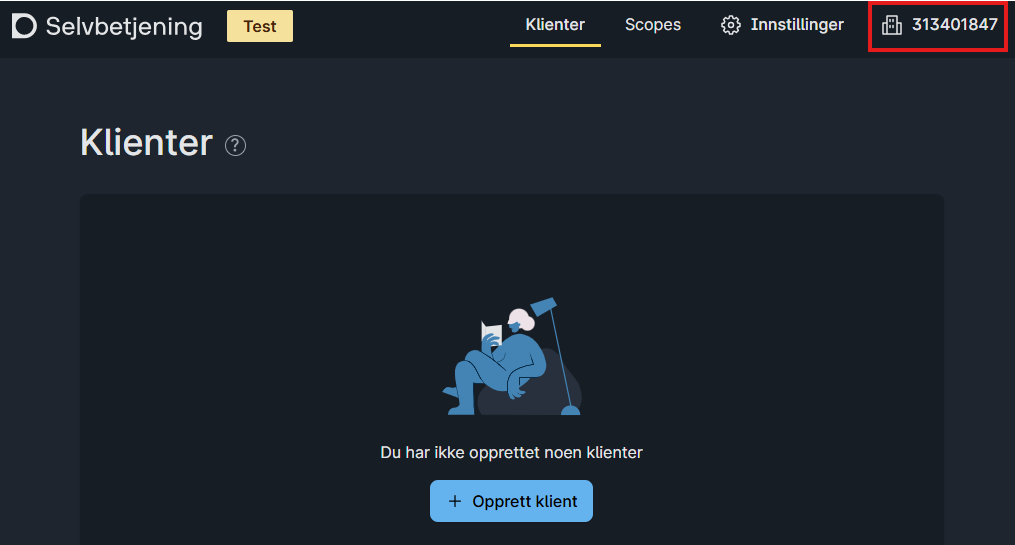
Make sure you have the correct active organization before the next step.
On the **New integration ("Ny integrasjon")** experience, select the scopes you need to provide Fortytwo access to. This varies with the connector.

This is an example for accessing DFØ SAP:

Use the following information:
| Setting | Value |
|-|-|
| Application type / Applikasjonstype | Web |
| Allowed grant types / Tillatte grant types | urf:ietf:params:oauth:grant-type:jwt-bearer |
| Client auth method / Klientautentiseringsmetode | private_key_jwt |

### Adding keys
After adding the application, use **add your own public keys ("Egne public nøkler")**.
To be as secure as possible, we use separate keys per tenant. In order to get your keys, submit the below form with your Entra tenant ID, which you can find at [whatismytenantid.com](https://www.whatismytenantid.com/)
All the keys must be added to your client in Maskinporten using the *Add key (Legg til nøkkel)* feature:

After you have added keys, it should look something like this:

The **Client ID** of the application must be provided in the connector configuration.
## Maintenance
Maskinporten only accepts certificate validity for 1 year. To ensure availability of the service, we generate a new certificate every 6 months, but continue to use the 'oldest' certificate until it is no longer valid. As a customer, **you need to update the JWKS every 6 months**, by submitting the above form to get the latest certificate(s) and saving them in the Maskinporten user interface.