Conditional Access
Authentication Strengths
A Temporary Access Pass will not be able to satisfy policies requiring Passwordless MFA or Phishing-resistant MFA, and the onboarding will fail.
CheckID
Note
This is only necessary if you have policies requiring either Passwordless MFA or Phishing-resistant MFA
For any organization that has policies that requires users to satisfy the built-in authentication strength Passwordless MFA or Phishing-resistant MFA, you'll notice that neither of these includes Temporary Access Pass:
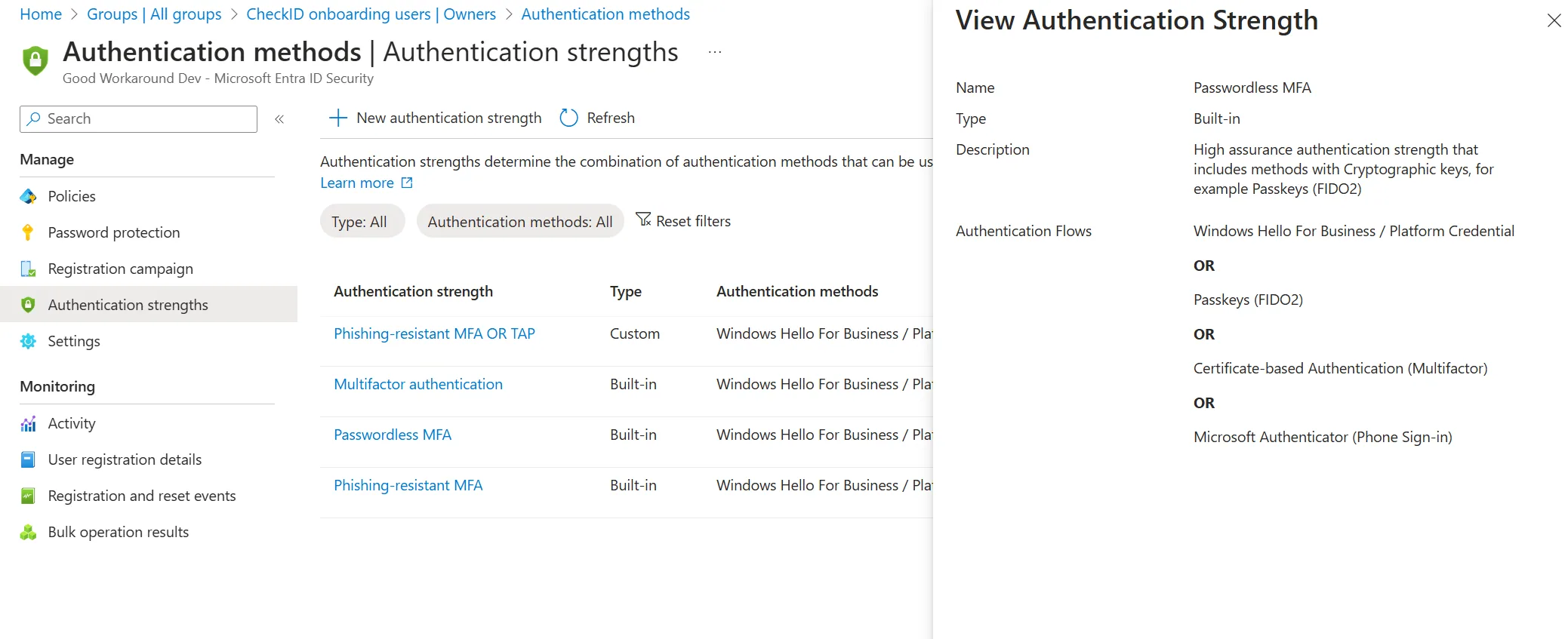
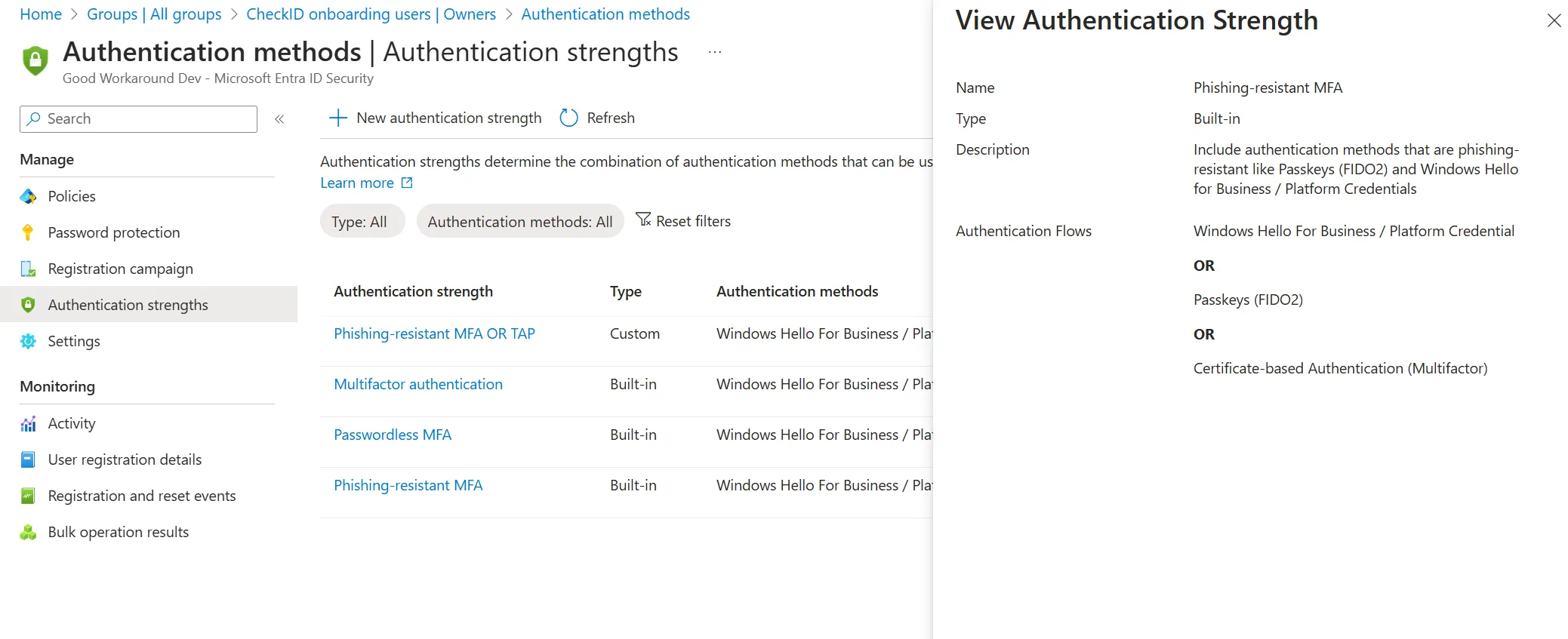
This means that a Temporary Access Pass will not be able to satisfy the policies and the onboarding will fail.
To fix this, you have some options, as documented by Microsoft.
In summary, you have these options:
- For mobile devices, create a separate conditional access policy that requires a custom authentication strength that allows Temporary Access Pass
- Use the Onboarding Group feature to temporary add users to an Entra ID group during onboarding, and use this group to exclude the user from the passwordless or phishing resistant MFA requirement.
Last updated 2 November 2026
Edit this page on GitHub