Get started
End-user walkthrough
What a new employee sees when they set up their account with CheckID, from verifying their identity to signing in with Microsoft Authenticator.
CheckIDThis is what a new employee sees the first time they set up their account with CheckID. It takes a few minutes on their phone, and nobody in IT has to hand out a password. The logo, colours, fonts and text are all yours to customise, see Custom branding.
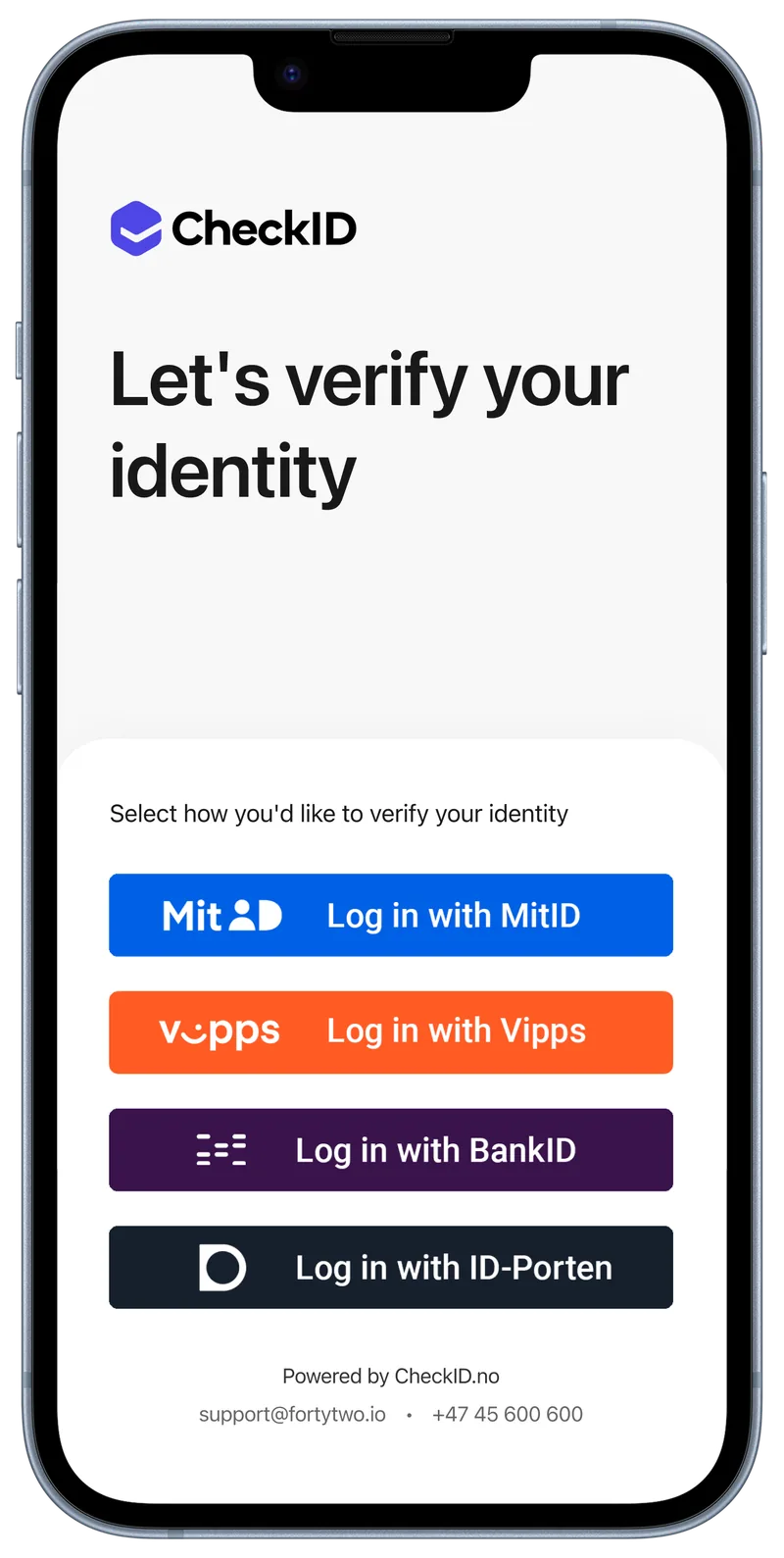
The employee opens your CheckID page and signs in with an ID they already use, such as MitID, Vipps, BankID or ID-porten.
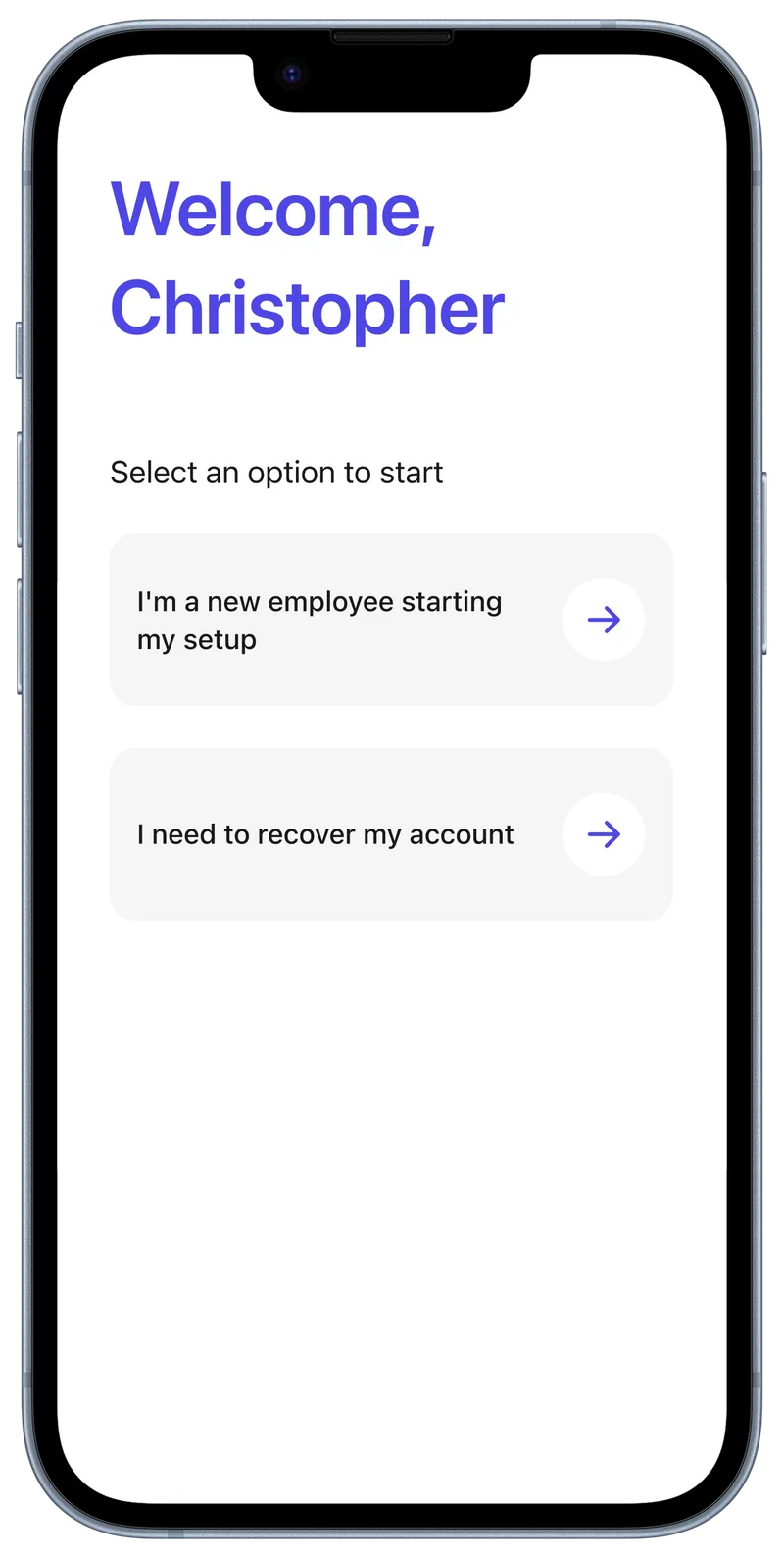
They start the setup as a new employee, or recover an account they already have.
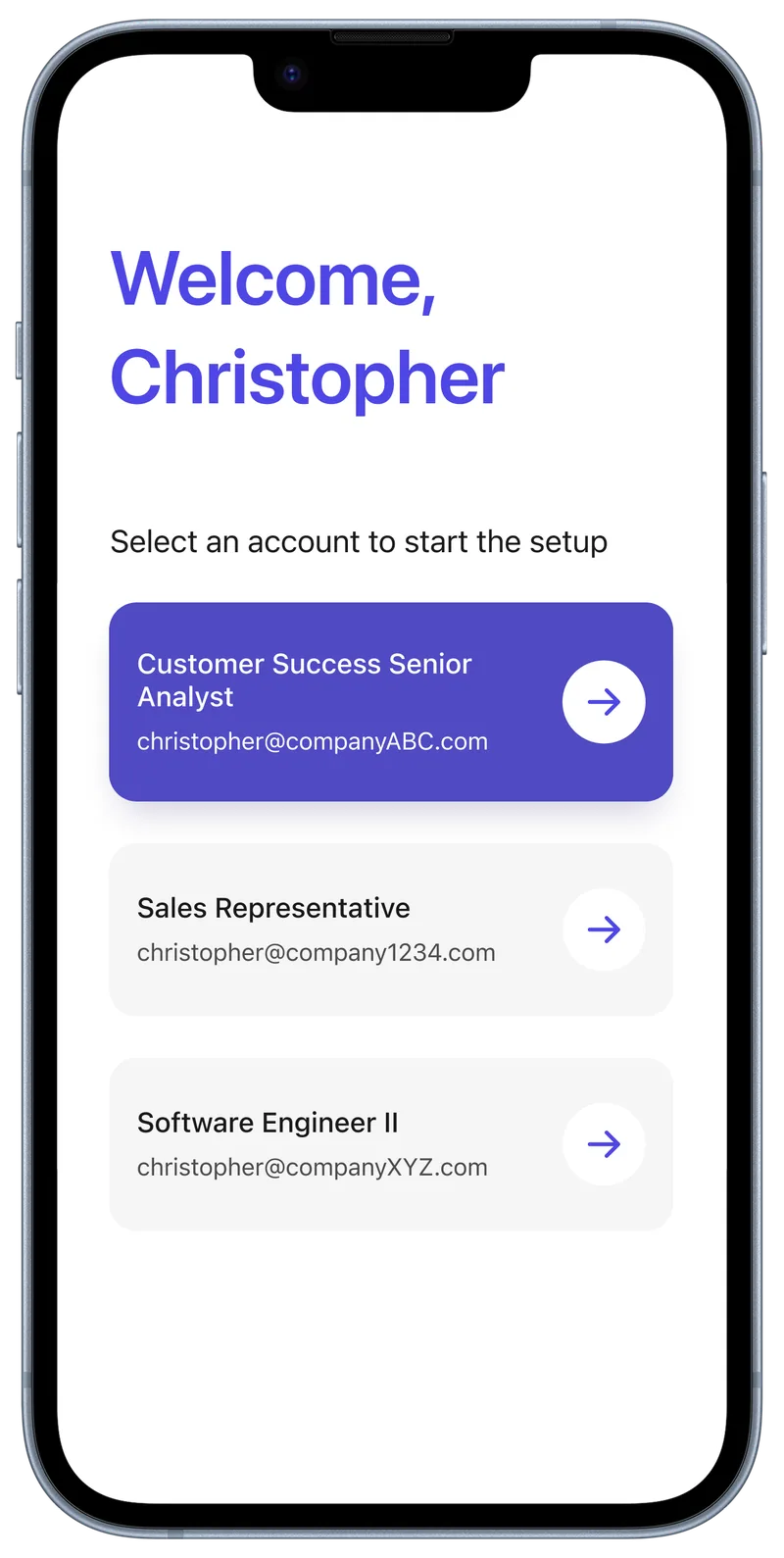
If the person has more than one account, they choose the one to set up.
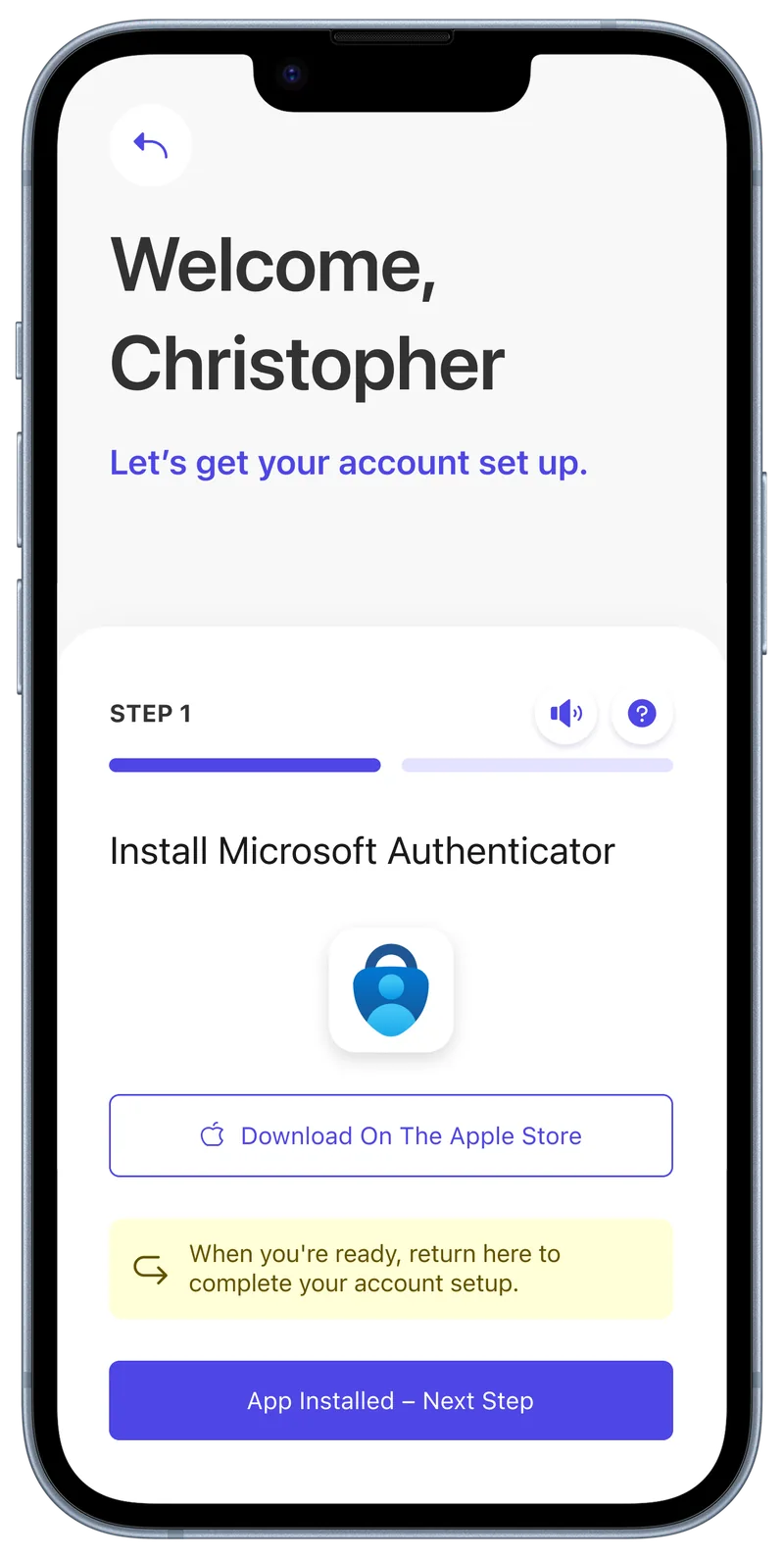
CheckID links to the app in the right store, and asks them to come back once it is installed.
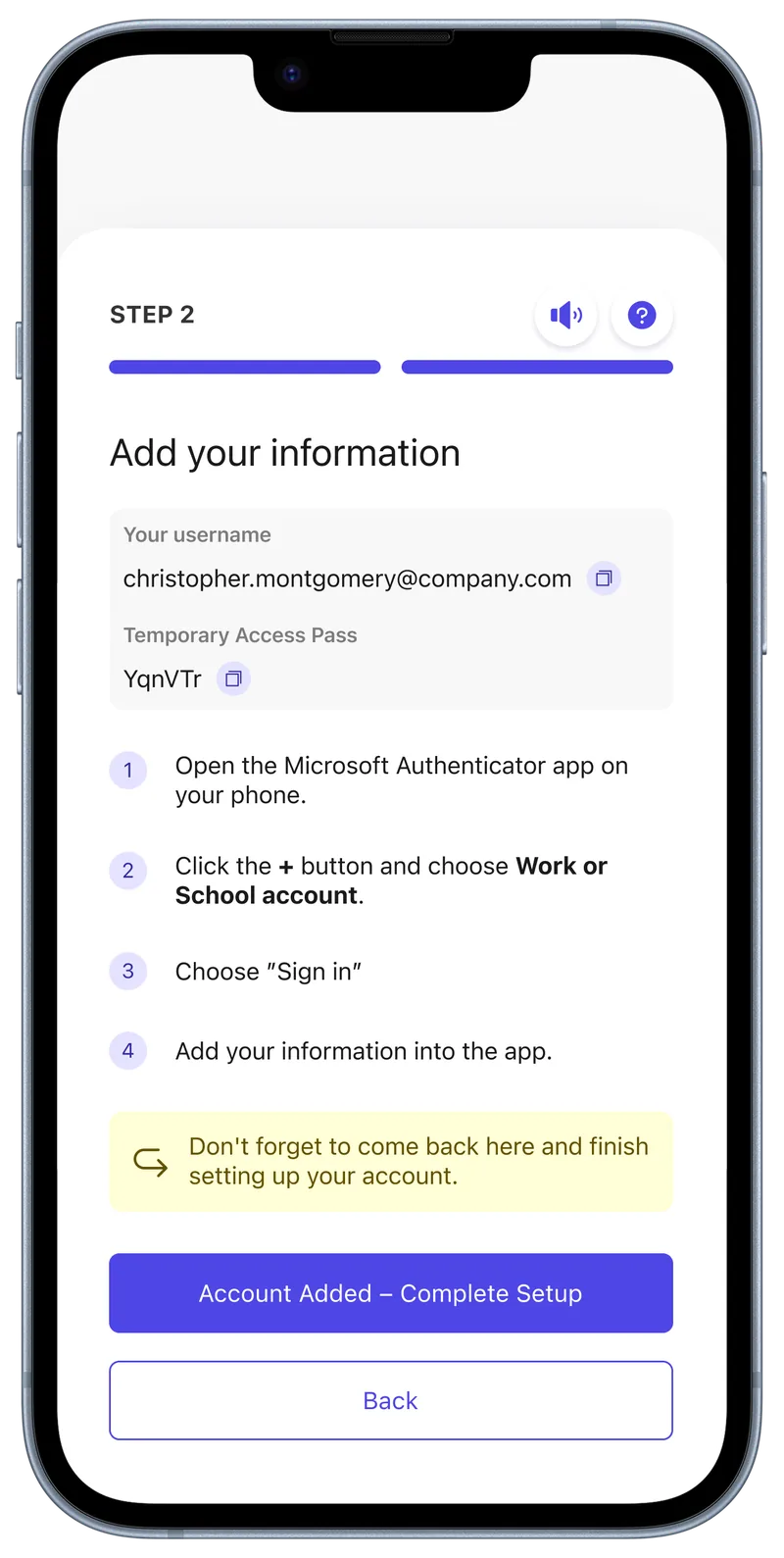
CheckID shows the username and a Temporary Access Pass, and walks them through adding the account in Authenticator.
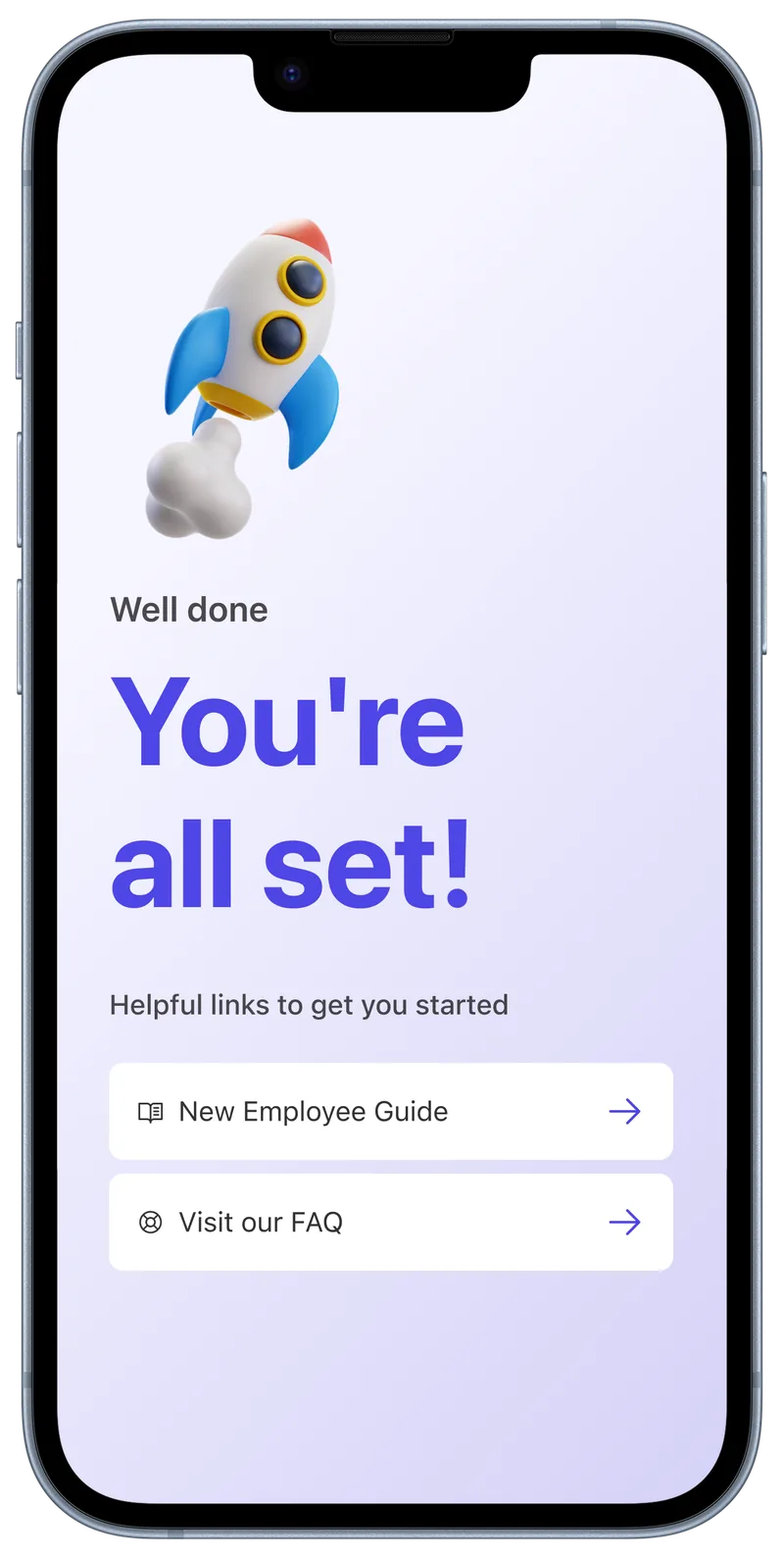
The account is ready. Helpful links point them to what comes next.
Want to see what happens behind the scenes at each step? Read How the flow works.