Internet policy
The internet policy feature enables teachers and other delegated personell to assign internet policies to students, either as one-time assignments ("From December 1st to December 3rd") or recurring assignments ("Every monday and tuesday between 8 and 11")". Each policy is always connected to an Entra ID security group, where different network equipment or services like Global Secure Access are responsible for the network level enforcement.
Screenshots
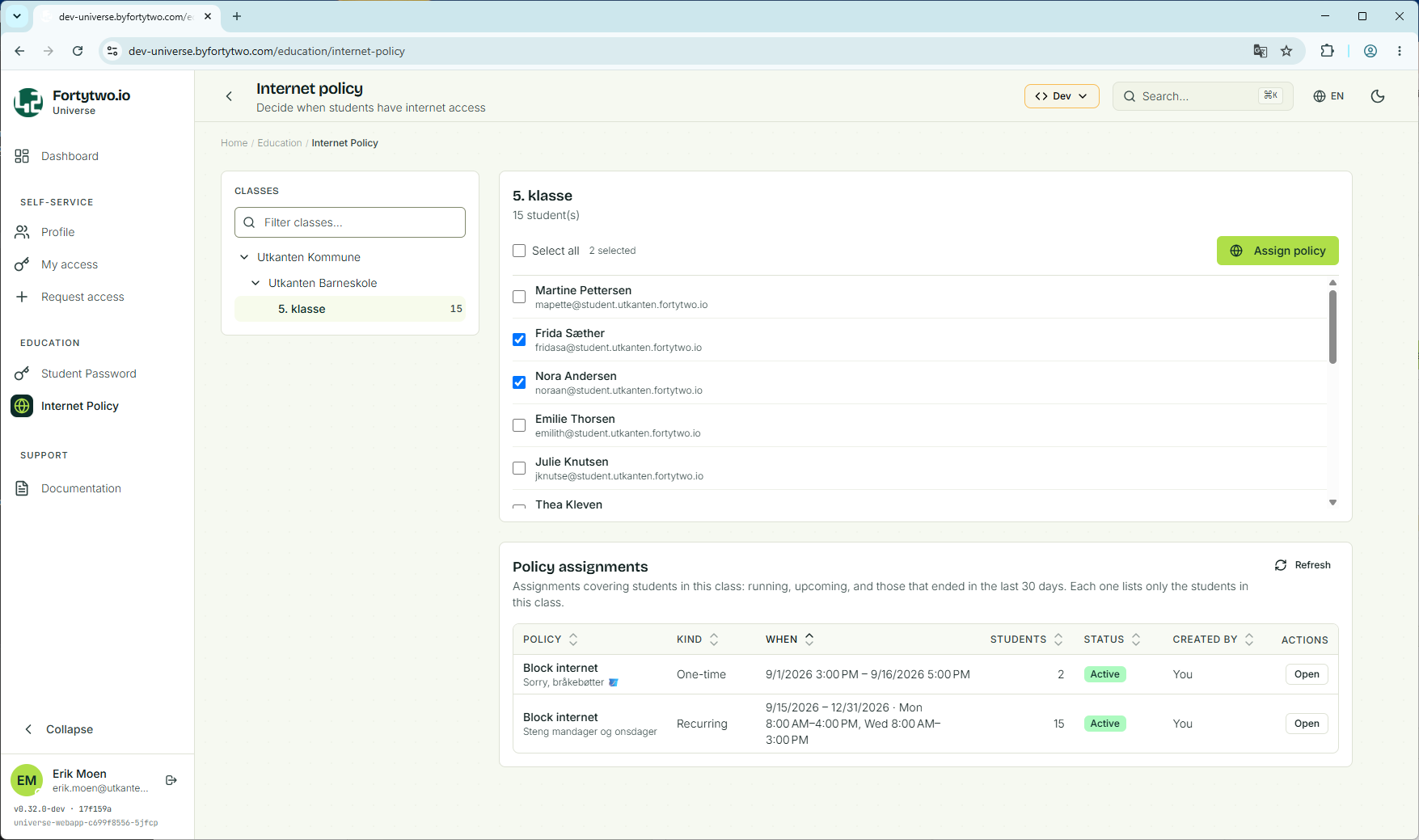
Class overview
The class list is shown based on the signed in user's access, either through being a teacher or getting delegated access to any of the organizational units.
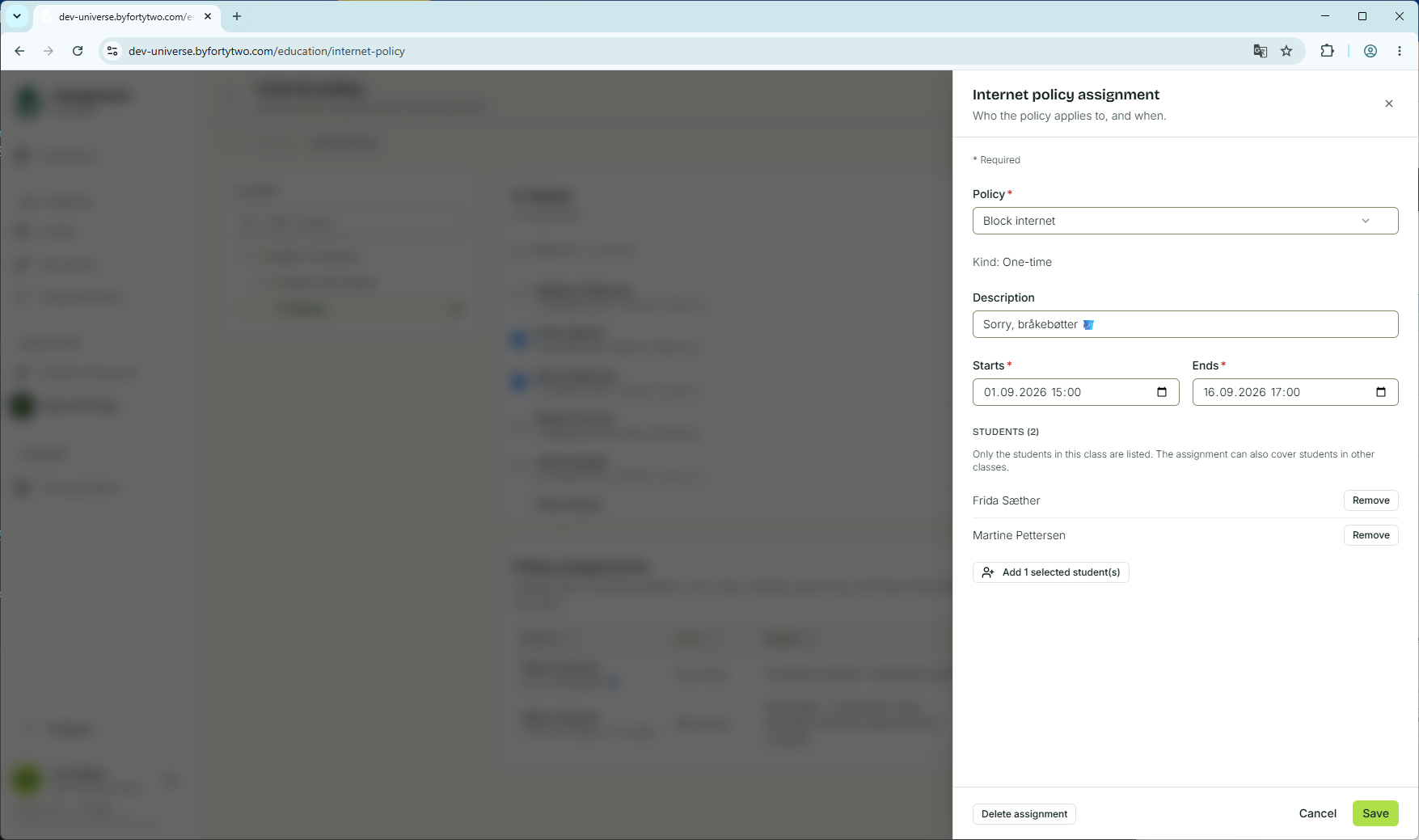
One-time policy assignment
A one-time policy can be assigned to students, where the assignment has a start and end time. This is useful for both short one-off assignment, such as for exams, and more permanent assignments, like blocking social media for the school year.
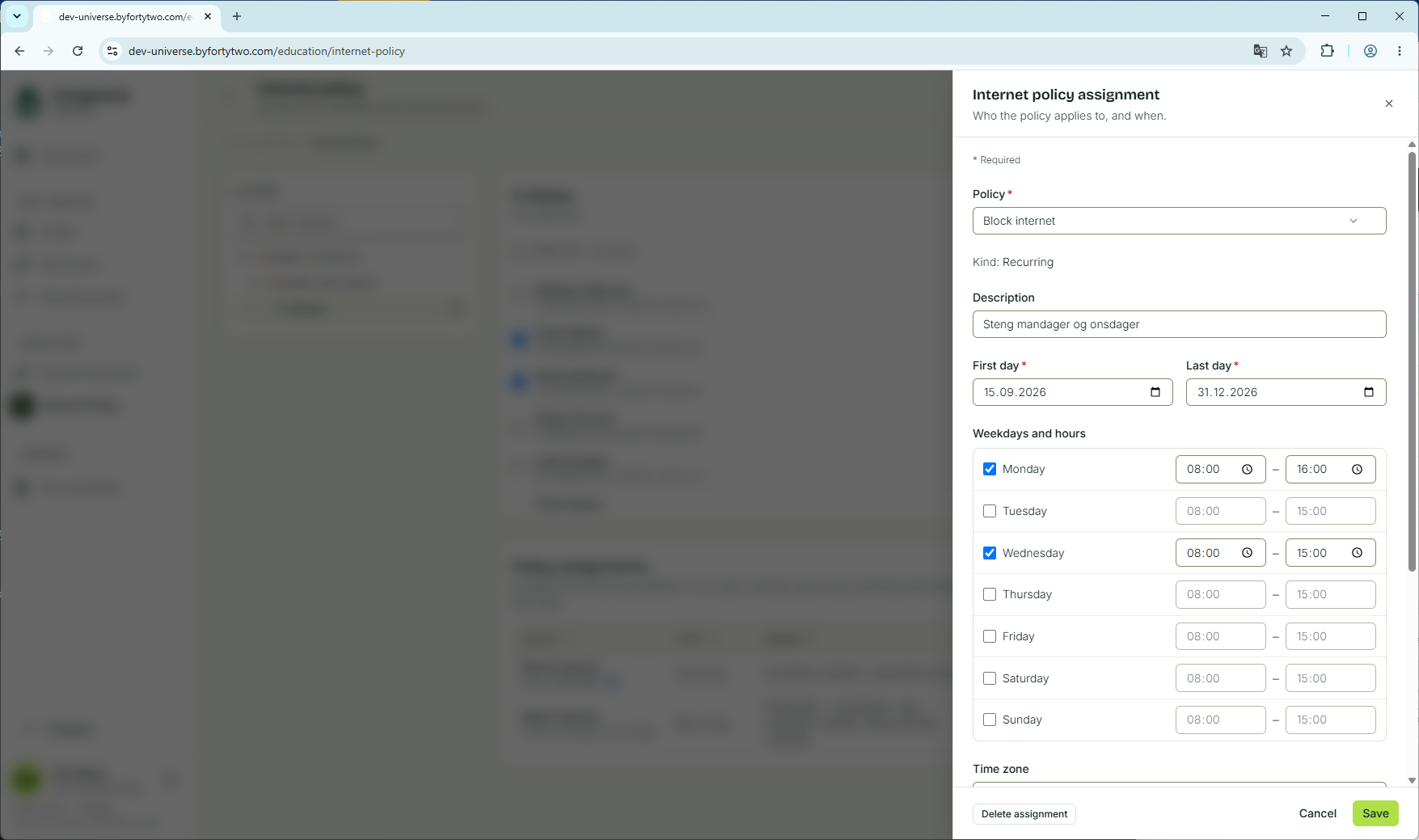
A recurring policy assignment is useful when you have the need for things like blocking YouTube every monday between 8 AM and 3 PM.
Enabling the feature
In order to enable the feature, the following is needed:
- Admin consent to allow the service access to the tenant
- Create a policy definition
Admin consent
In order for the service to access your tenant, consent to this application
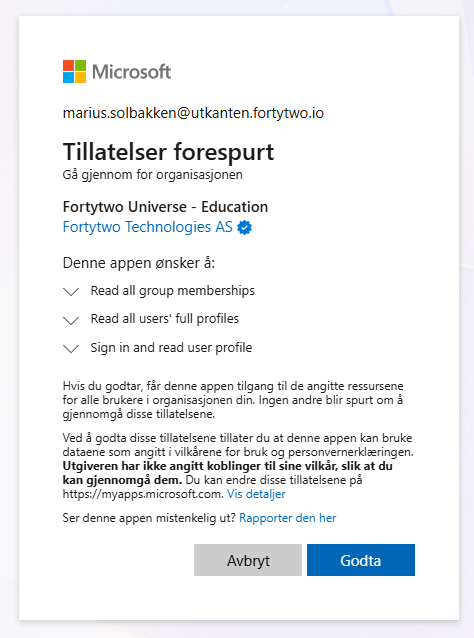
This will request access to read users and group members, but no write access. Instead, write access will be granted on a per policy group basis, to ensure we follow the principle of least privilege.
Defining your first policy definition
Following this guide to create a new policy definition.