Apps
App settings
An app's own settings. Its details and owner, model and agent, keys, size, cost, logs, compliance entry, and removing it.
On this page
Open an app and choose the Settings tab.
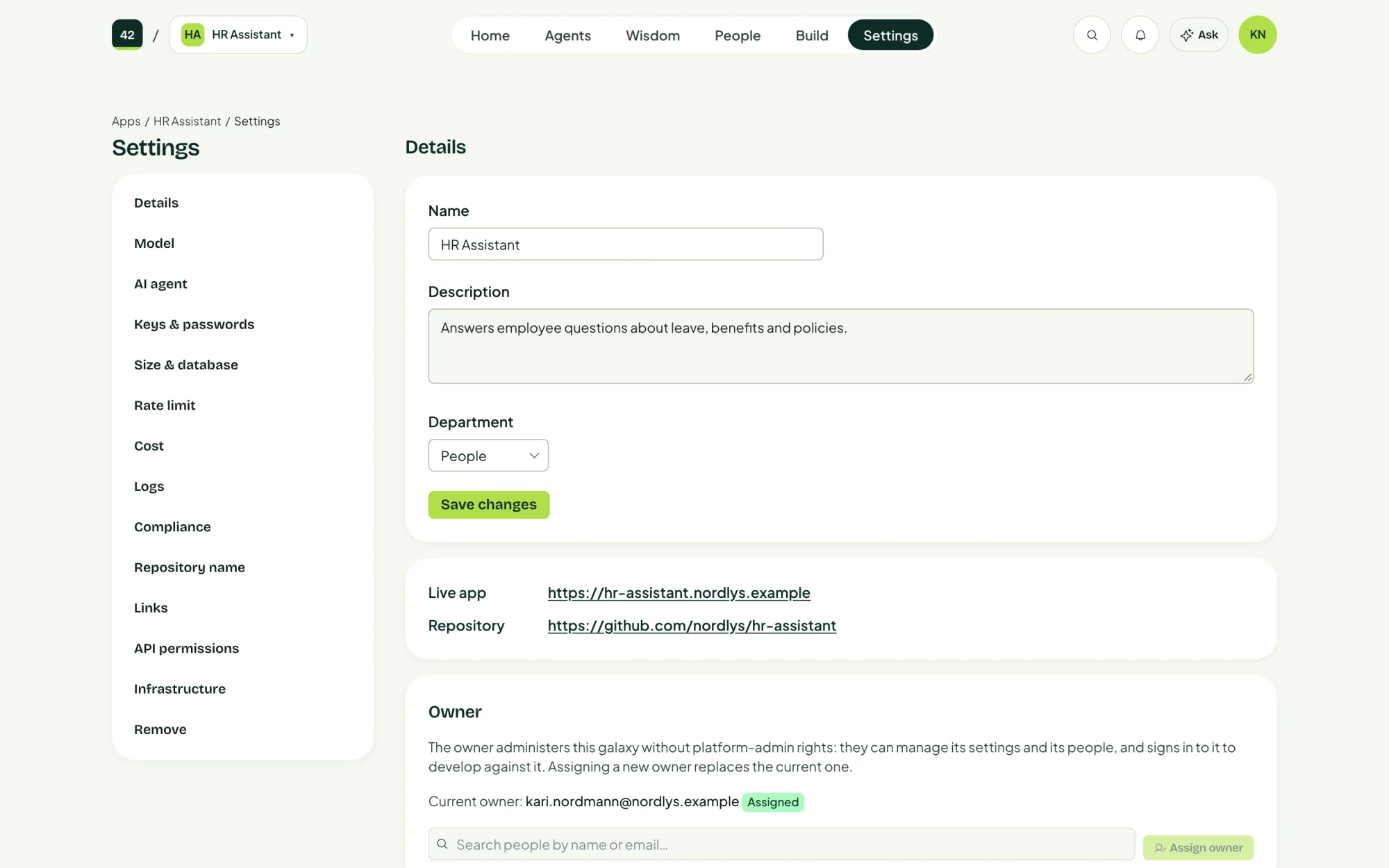
| Section | What you set or see |
|---|---|
| Details | Name, description and department, and the app's Owner (Assign owner). The owner is named in cost and vulnerability reports. |
| Model | Which model the app uses by default. |
| AI agent | The agent's settings. Most of this is easier from the Agents tab. |
| Keys & passwords | Secrets the app needs, such as an API key for another system. They are stored in Azure Key Vault, never in the code. |
| Size & database | How much computing power the app gets, and its database. |
| Rate limit | How many AI requests the app may make, to protect your budget. |
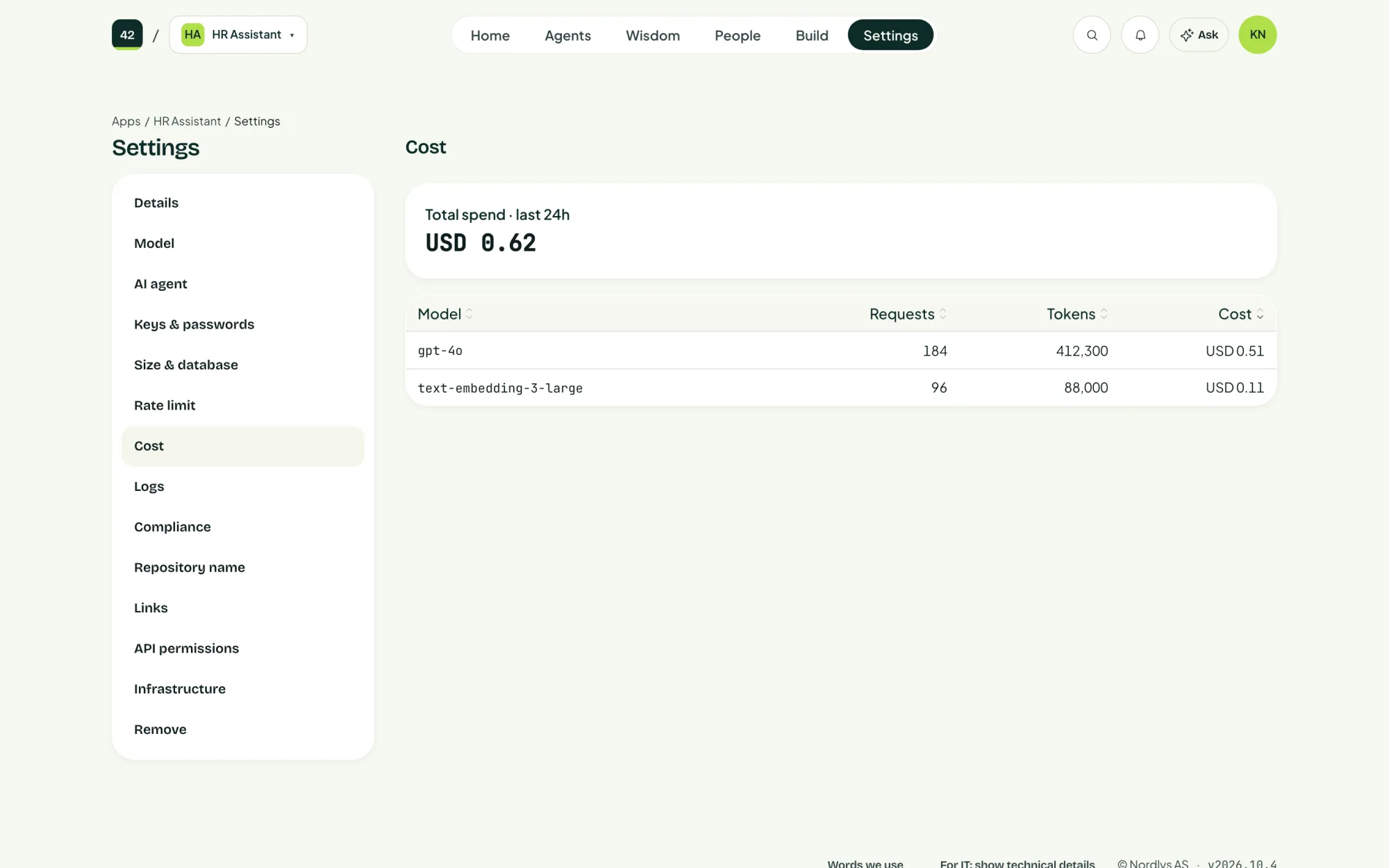
| Cost | What this app has spent on AI. |
| Logs | The app's own logs, for troubleshooting. |
| Compliance | The app's entry in the AI system register. |
| Repository name, Links | Where the code lives, and links shown with the app. |
| Infrastructure | The Azure resources behind the app. For IT. |
| Remove | Take the app out of service. |
App size
| Size | For | Roughly, per month |
|---|---|---|
| Lite | Small web apps, demos and internal tools. Sleeps when nobody uses it, and wakes on the next visit in a few seconds. | $0 to $20 |
| Standard | Apps people use every day. Always on, so every visit is instant. | $12 to $39 |
| Production | Apps that must stay up through real traffic. At least two copies running, more under load. | $47 to $160 |
Prices are approximate list prices for the app's container alone. A database is priced separately. Changing size is applied through a repair and does not touch the app's code.
Cost
Remove an app
Remove revokes the app. It is paused first and kept for a retention period, so a mistake can be undone with Keep it. After that period the app and its cloud resources are removed.
Last updated 2 November 2026
Edit this page on GitHub