Control panel
Settings
The platform's own settings. This deployment, the platform features, the technical pages IT needs, and your account.
On this page
The Settings tab holds the settings for the platform as a whole. Settings for one app are on that app's own Settings tab.
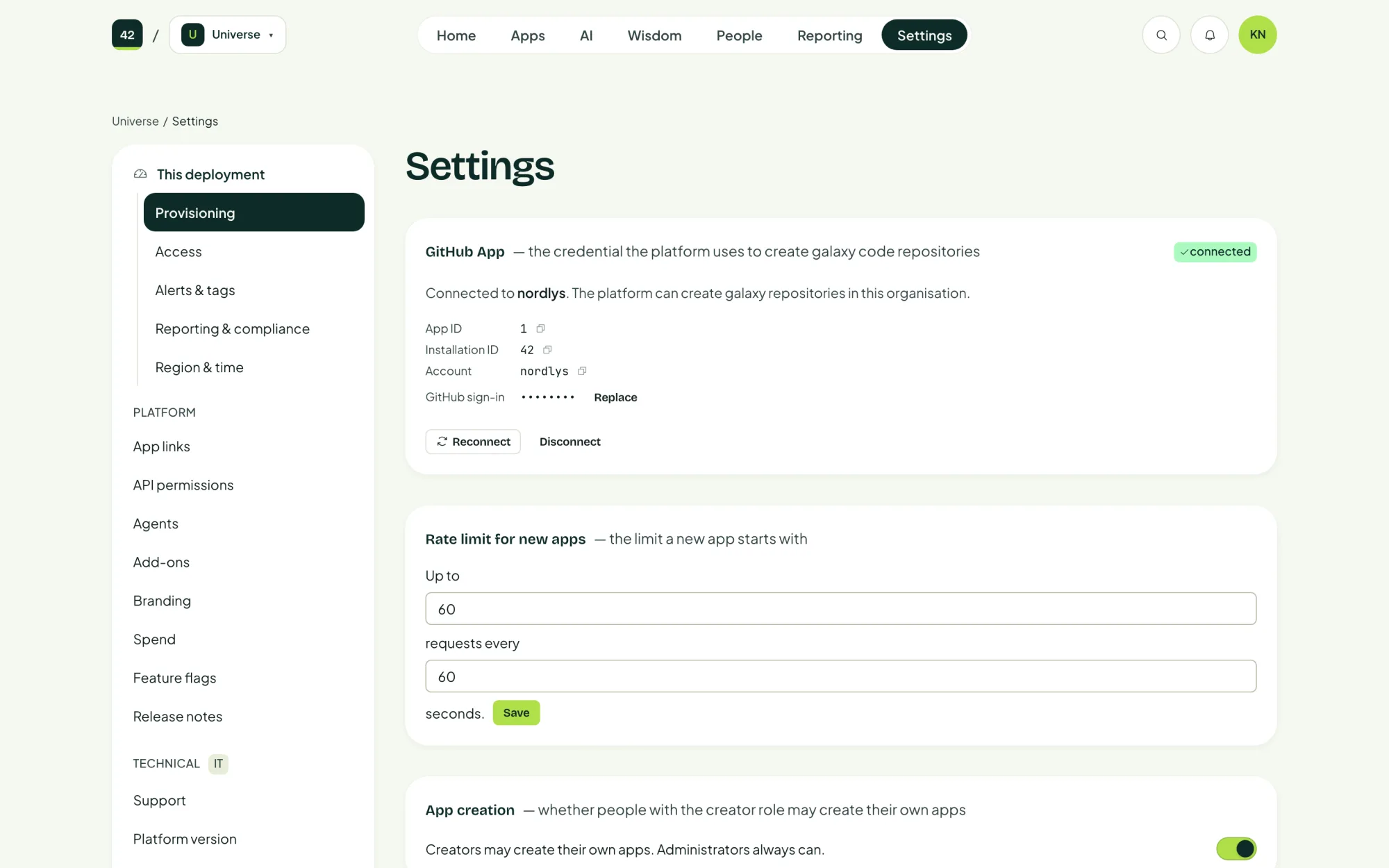
This deployment
| Section | What you set |
|---|---|
| Provisioning | The GitHub App connection, the rate limit and database sizes for new apps, whether app creation is open, and who can use new apps by default. |
| Access | Who and where the control panel and apps can be reached from. |
| Alerts & tags | Where alerts go, and the Azure tags put on every resource the platform creates. |
| Reporting & compliance | How long records are kept, such as the fingerprints of AI responses. See Compliance. |
| Region & time | The time zone and formats the control panel uses. |
Platform
| Section | What it is |
|---|---|
| App links | Let one app's agent call chosen tools in another app, in one direction only. |
| API permissions | Which APIs in your Entra tenant apps may call. Each app requests what it needs, and an Entra admin grants consent. |
| Agents | Every agent across every app, and what each one is allowed to do. |
| Add-ons | Optional parts of the platform you can install without waiting for a release, such as Studio. |
| Branding | Your colours and logo, shown in the Designsystem. |
| Spend | AI spend by app, by model and by department. |
| Feature flags | Experimental and beta features that ship switched off, for you to turn on. |
| Release notes | What changed in each version, in plain language. |
Technical
Marked IT, for whoever runs the platform:
- Support: health checks and approved repairs. See Support.
- Platform version: the running version and upgrades. See Upgrades.
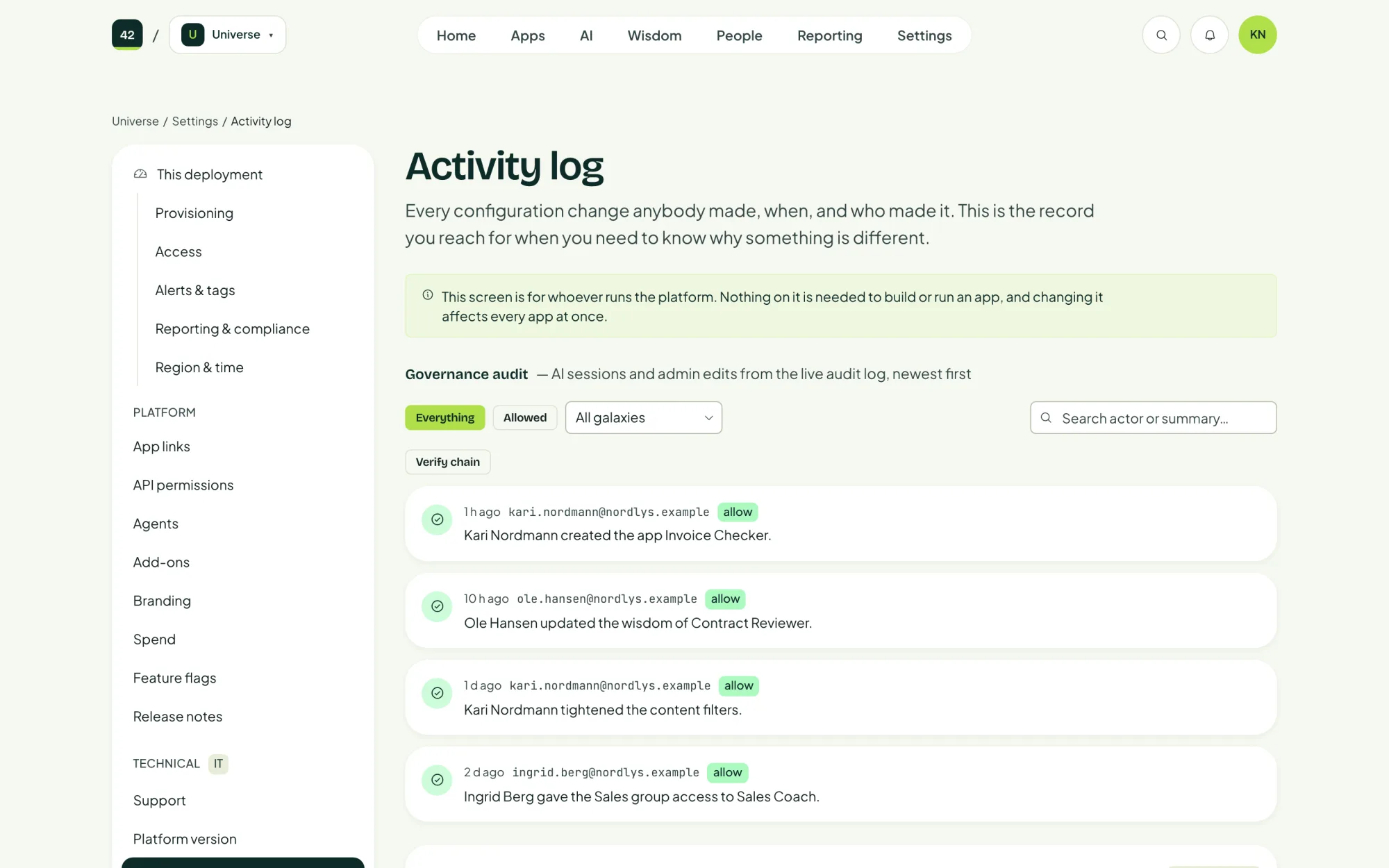
- Activity log: every configuration change, when it was made and by whom.
Your account
Your profile, including the GitHub account linked to you.
Last updated 2 November 2026
Edit this page on GitHub