Operations
Support
Health checks, repair actions and support bundles in the control panel, and how to reach Fortytwo.
On this page
In the control panel
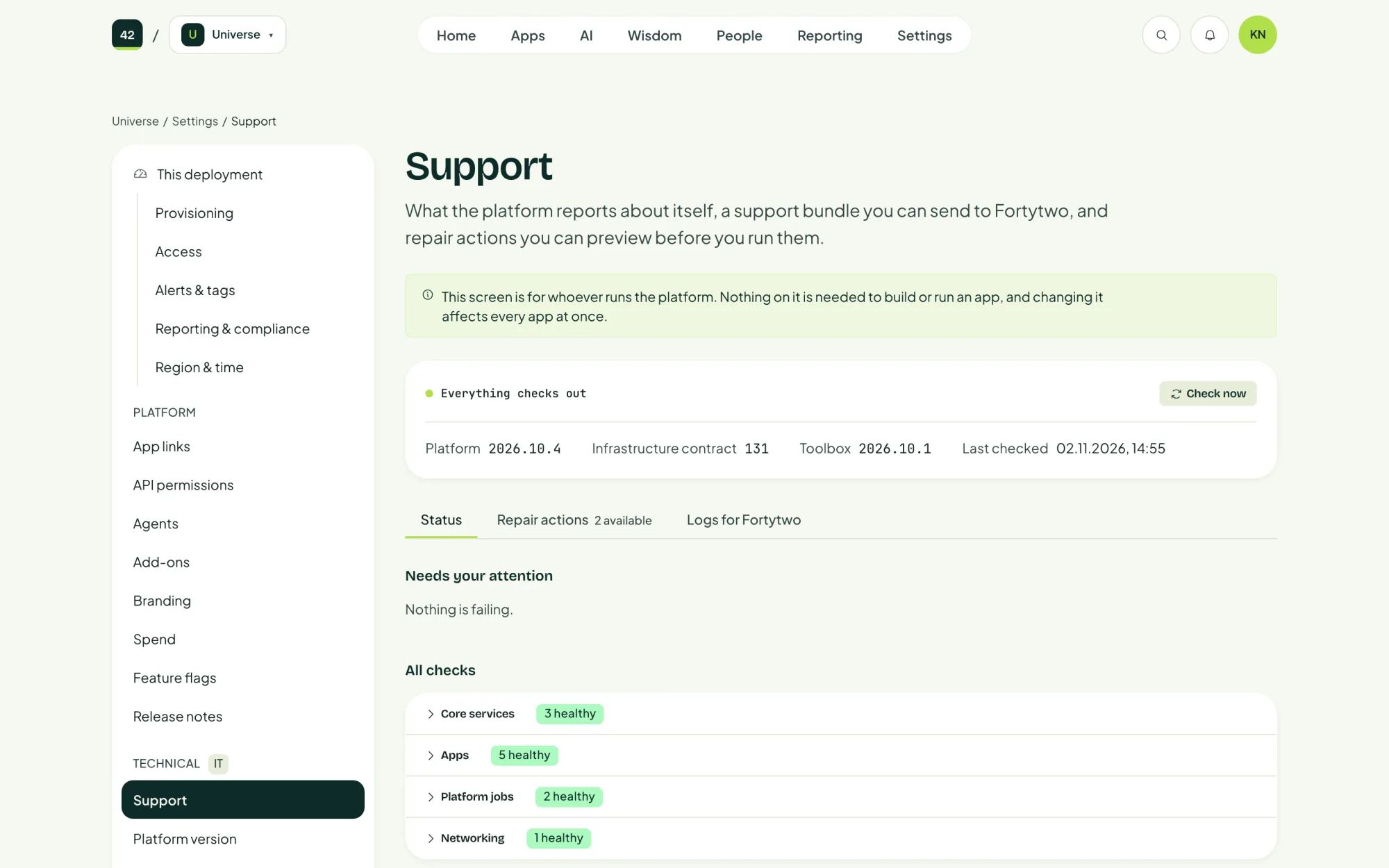
Settings, Support shows what the platform reports about itself. It has three tabs:
| Tab | What it is for |
|---|---|
| Status | The result of every health check, with Check now to run them again. Everything checks out when all is well. |
| Repair actions | Fixes the platform suggests when a check fails. Preview each one, then approve it before it runs. Repairs run with an identity that can only read and start the platform's own jobs. |
| Logs for Fortytwo | A support bundle you can send to Fortytwo. |
Contact Fortytwo
Contact your Fortytwo representative, or reach us through fortytwo.io. Include:
- the control panel address
- the platform version, from Settings, Platform version
- what you did, what you expected and what happened
- the support bundle from Logs for Fortytwo
- if an install failed, the output of
fortytwo-setup --diagnose -g <resource group>
Fortytwo has no access to your deployment. We may ask you to share your screen or run a command for us.
Security issues
To report a vulnerability in AI Universe itself, see Security.
Last updated 2 November 2026
Edit this page on GitHub