Control panel
People in the control panel
Who can sign in to the control panel, what they may do there, and who may create apps.
On this page
The People tab decides who can sign in to the control panel and what they may do there.
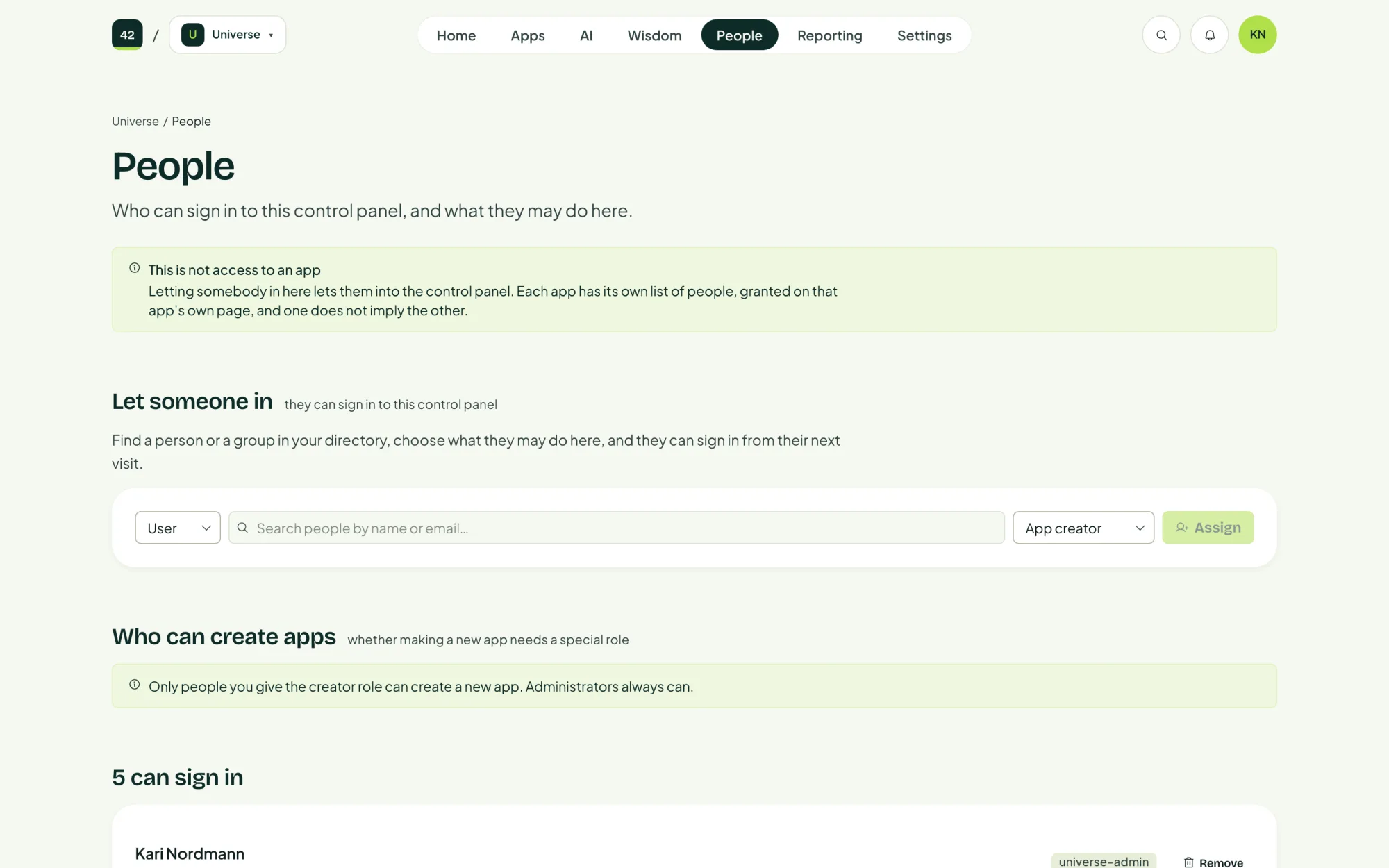
Letting someone into the control panel does not give them access to any app. Each app has its own list, on that app's People page.
Let someone in
- Under Let someone in, find a person or a group in your directory.
- Choose what they may do here.
- Confirm. They can sign in from their next visit.
Who can create apps
Who can create apps decides whether creating an app needs a special role. When it does, only people you give the creator role can create a new app. Administrators (Universe admin) always can.
Invite a builder on the home page brings you here, to let in a colleague who will create apps.
Remove someone
Choose Remove. The person loses the role straight away, but anyone already signed in keeps what they have until their sign-in expires. Every change is recorded, and you can grant access again later.