Get started
First sign-in
Sign in to the control panel for the first time and let the setup guide get the platform ready for its first app.
On this page
Open the control panel address from the installer and sign in with your work account. The person who ran the installer can always sign in. Everyone else needs to be let in first, see People in the control panel.
The setup guide
The first time you sign in, the setup guide greets you: Let's get your platform ready. Choose Let's start.
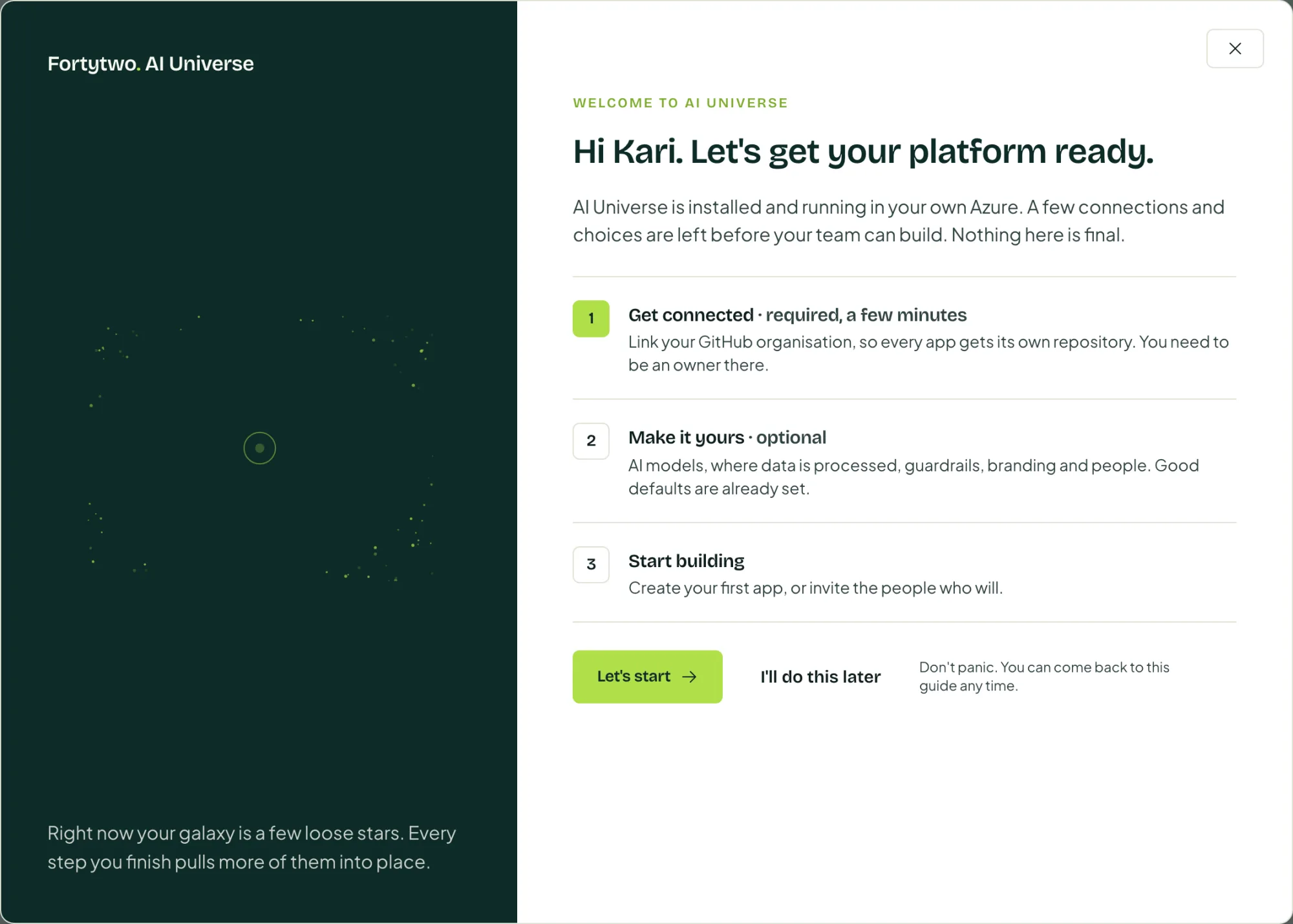
The guide has three parts:
| Part | What it covers |
|---|---|
| 1. Get connected | Create the GitHub App, install it on your organisation, turn on GitHub sign-in and link your own GitHub account. See Connect GitHub. |
| 2. Make it yours (optional) | AI and data location, guardrails, branding and people. |
| 3. Start building | Create your first app, or invite the people who will. |
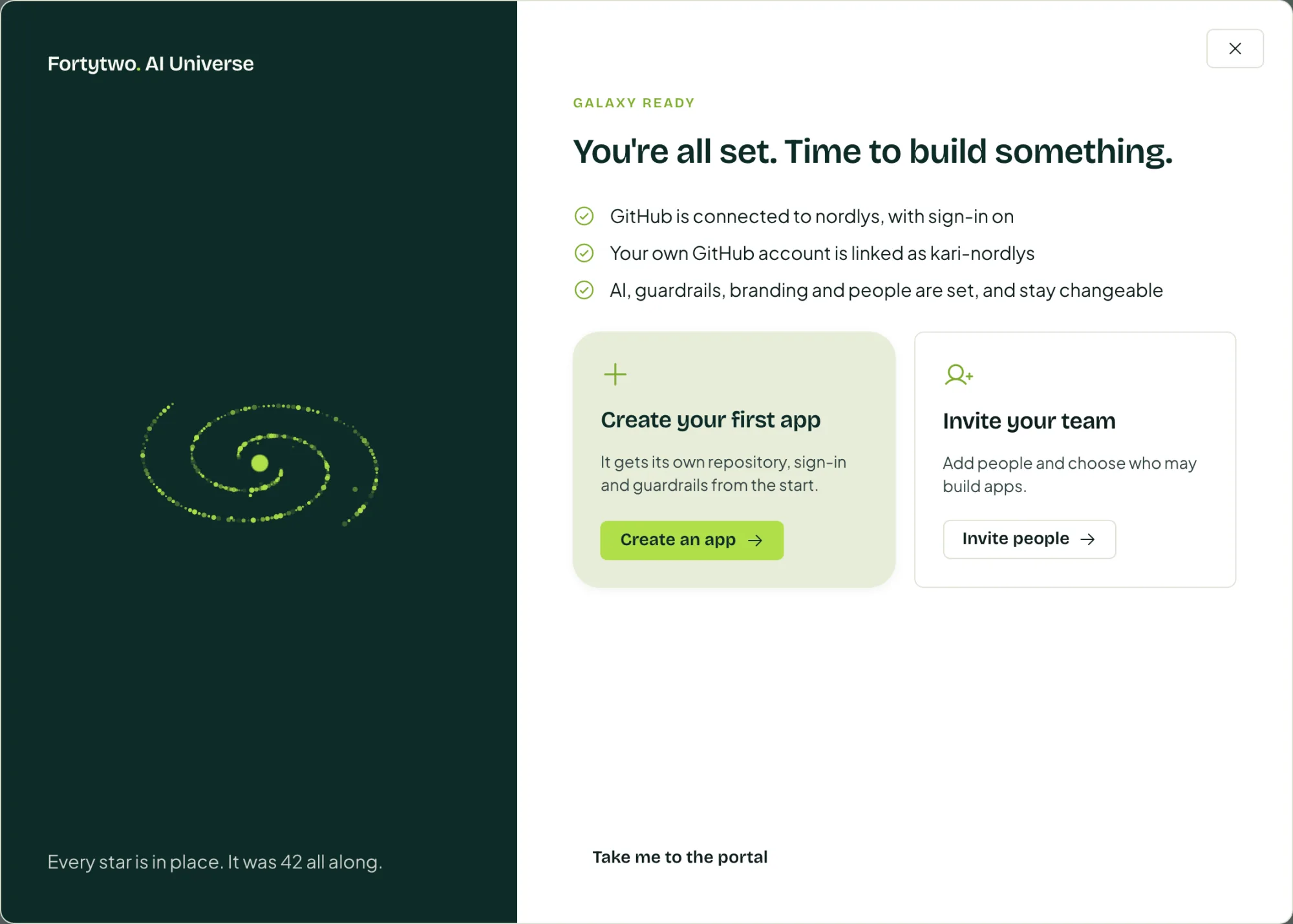
When the required steps are done, the guide shows You're connected. The rest is up to you. Go through the optional steps one by one, or choose Looks good, I'm done.
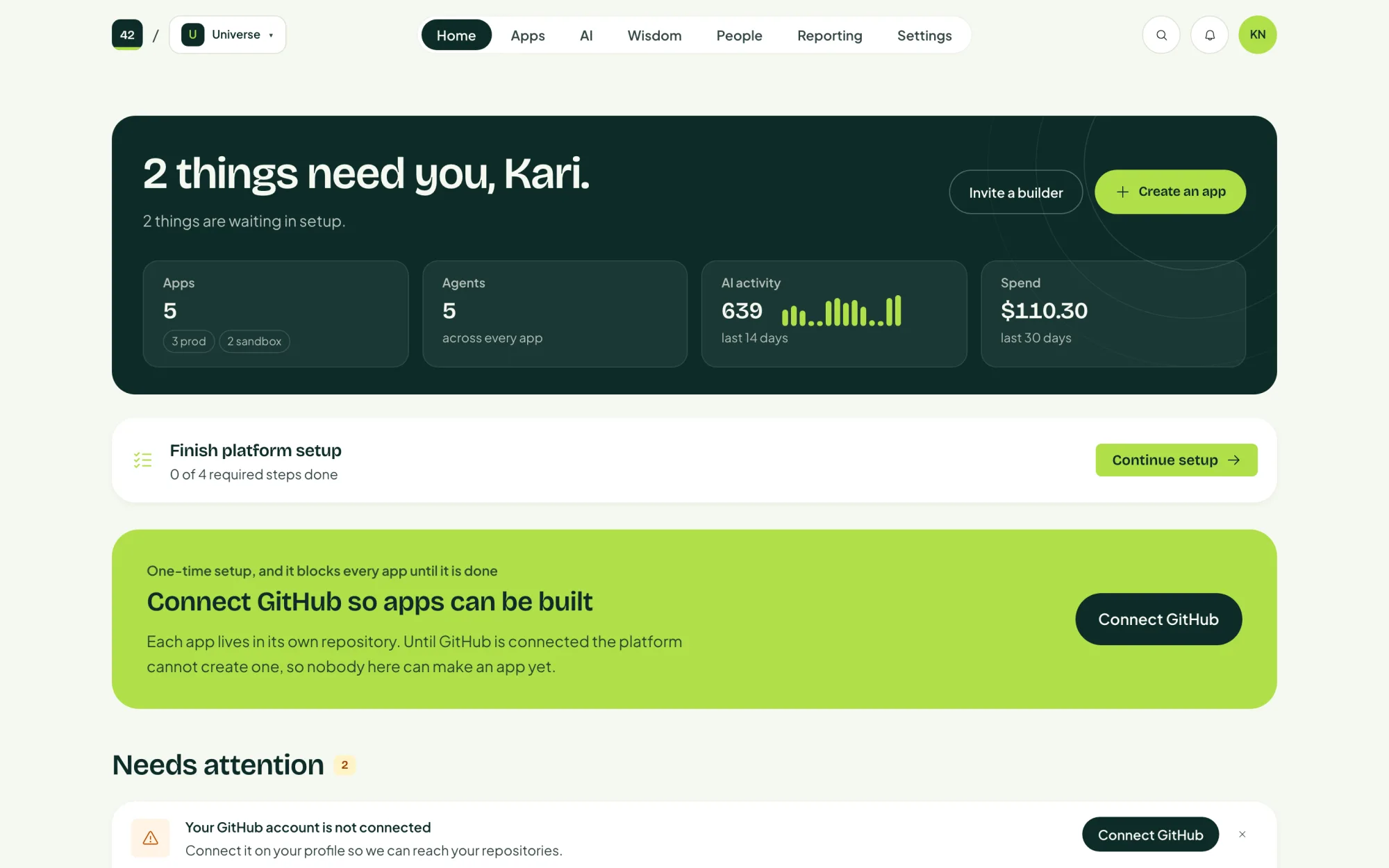
If you chose I'll do this later, the home page keeps a Finish platform setup card until the required steps are done. You can also open the guide at any time from Setup guide in the account menu.
The account menu
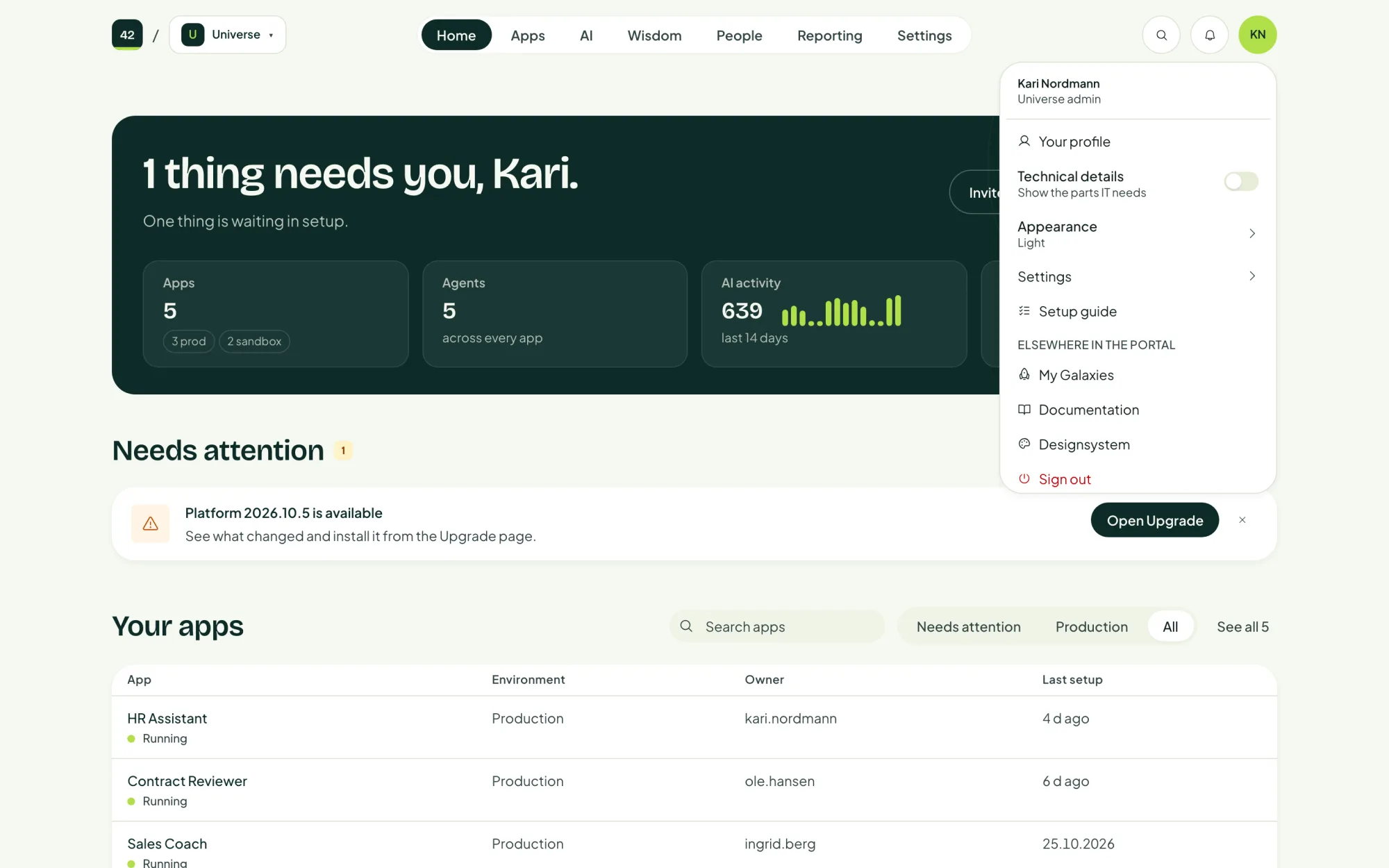
Your initials in the top right corner open the account menu.
| Item | What it does |
|---|---|
| Your profile | Your own details, and the GitHub account linked to you. |
| Technical details | Shows the parts IT needs on every page: resource names, identities and logs. Off by default. |
| Appearance | Light or dark. |
| Settings | The platform's settings. |
| Setup guide | Opens the setup guide again. |
Under Elsewhere in the portal you also find Documentation and the Designsystem, which shows your platform's brand colours and components.