Getting started
Fortytwo Identity Universe
Go here to access Fortytwo Identity Universe: https://universe.fortytwo.io
Admin consent - user consent
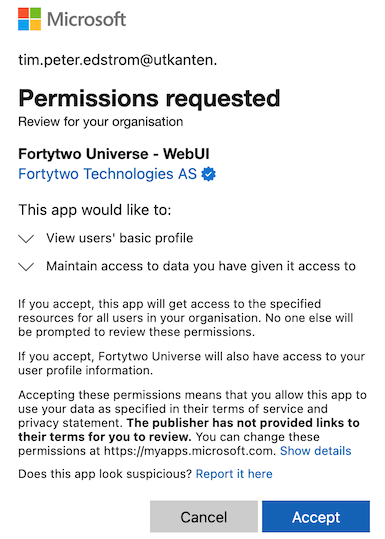
We recommend performing "admin consent" to enable all Entra ID users to access the Identity Universe. This can be achieved by a Global Admin by following and accepting the Microsoft admin consent flow for Identity Universe on behalf of the organisation: https://login.microsoftonline.com/common/adminconsent?client_id=d5151be7-b1d6-411d-88f1-b1da1350211f
This is what admin consent looks like:
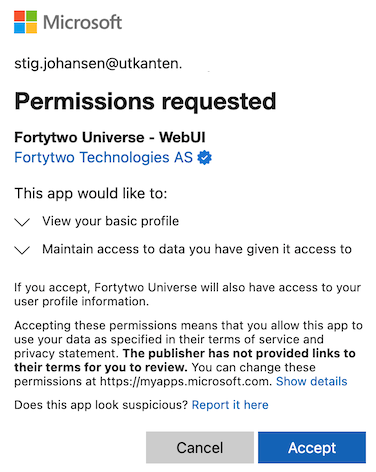
If admin consent is not in place each person must grant (user) consent when signing in for the first time.
This is what user consent looks like:
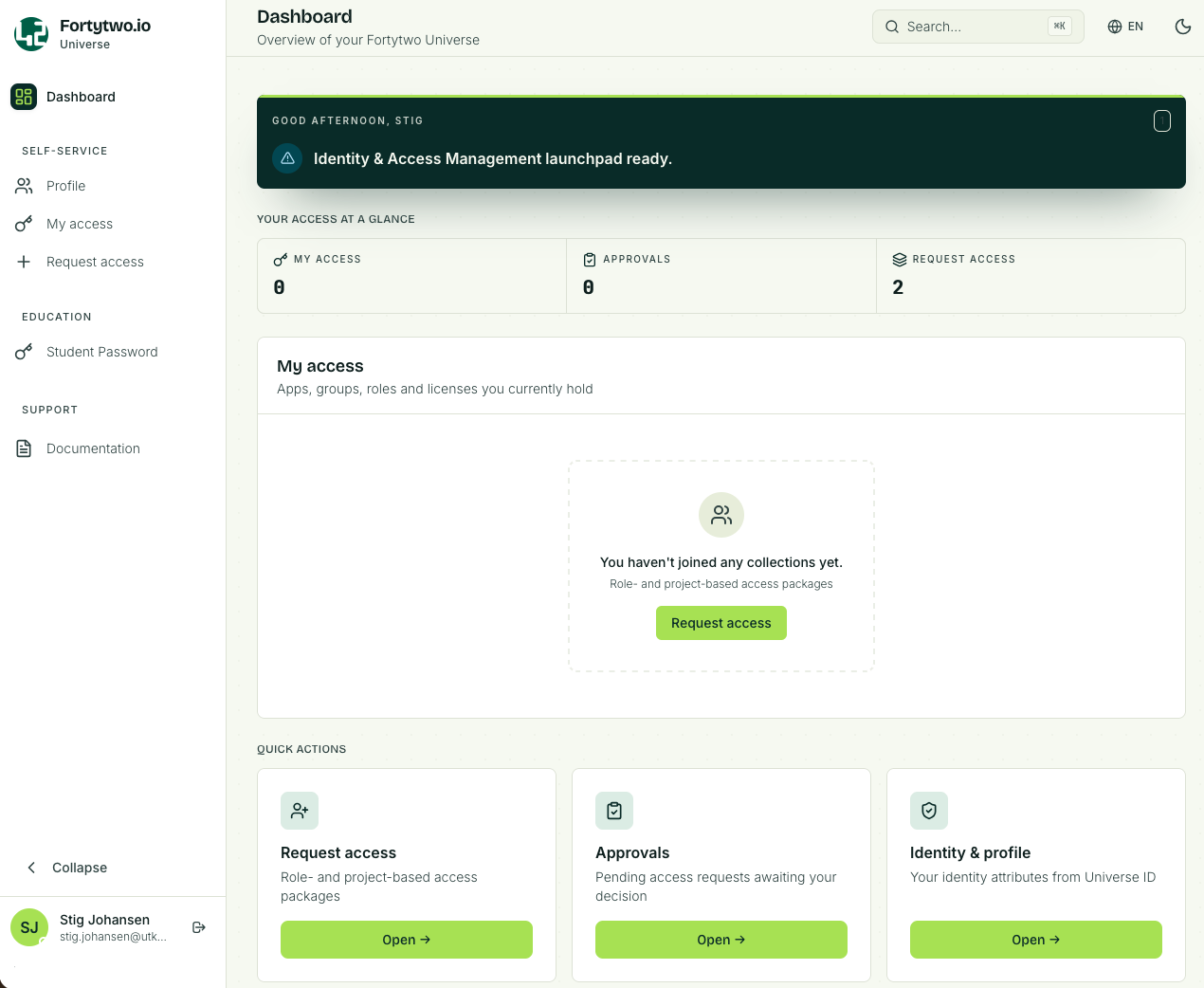
Dashboard
When you sign in you will see the Dashboard.
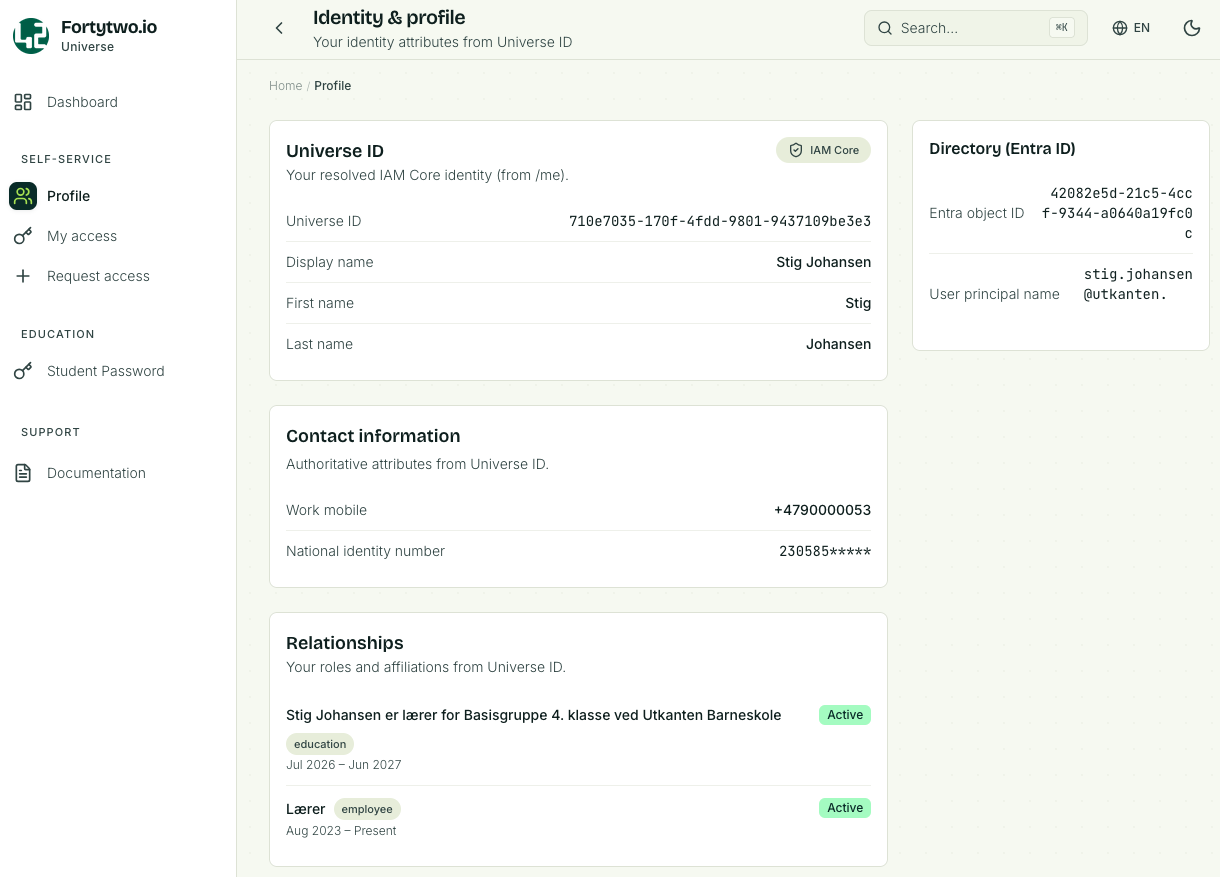
Profile
The Profile page shows information about your user.
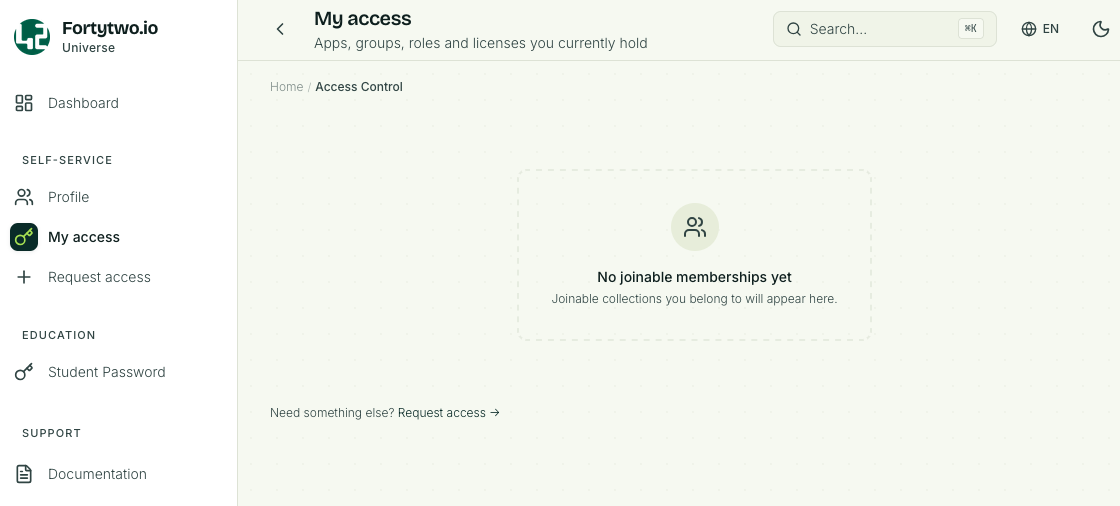
My access
My access will list collections you are a member of. Here you also find a link to Request access.
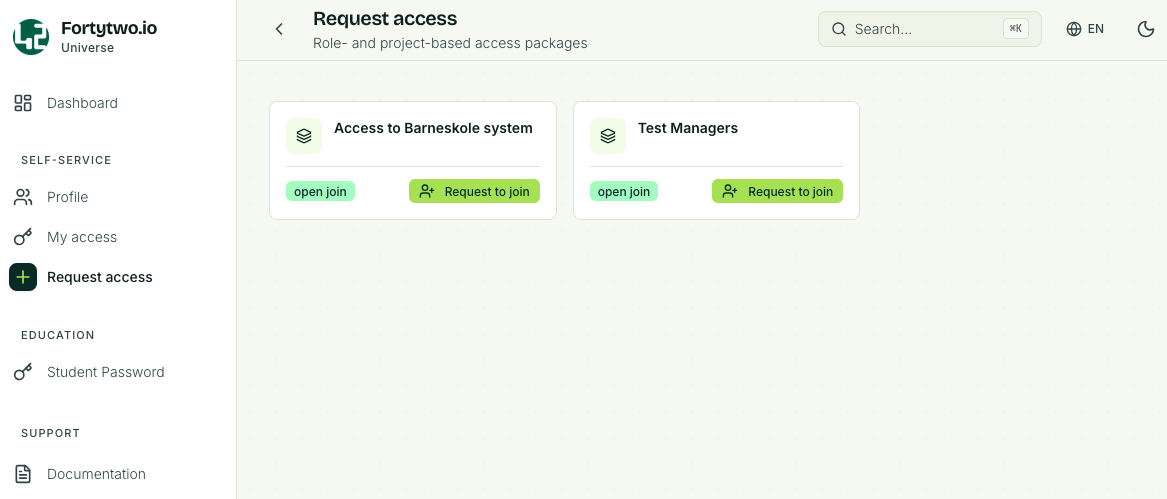
Request access
The Request access page will list all collections you can request to join.
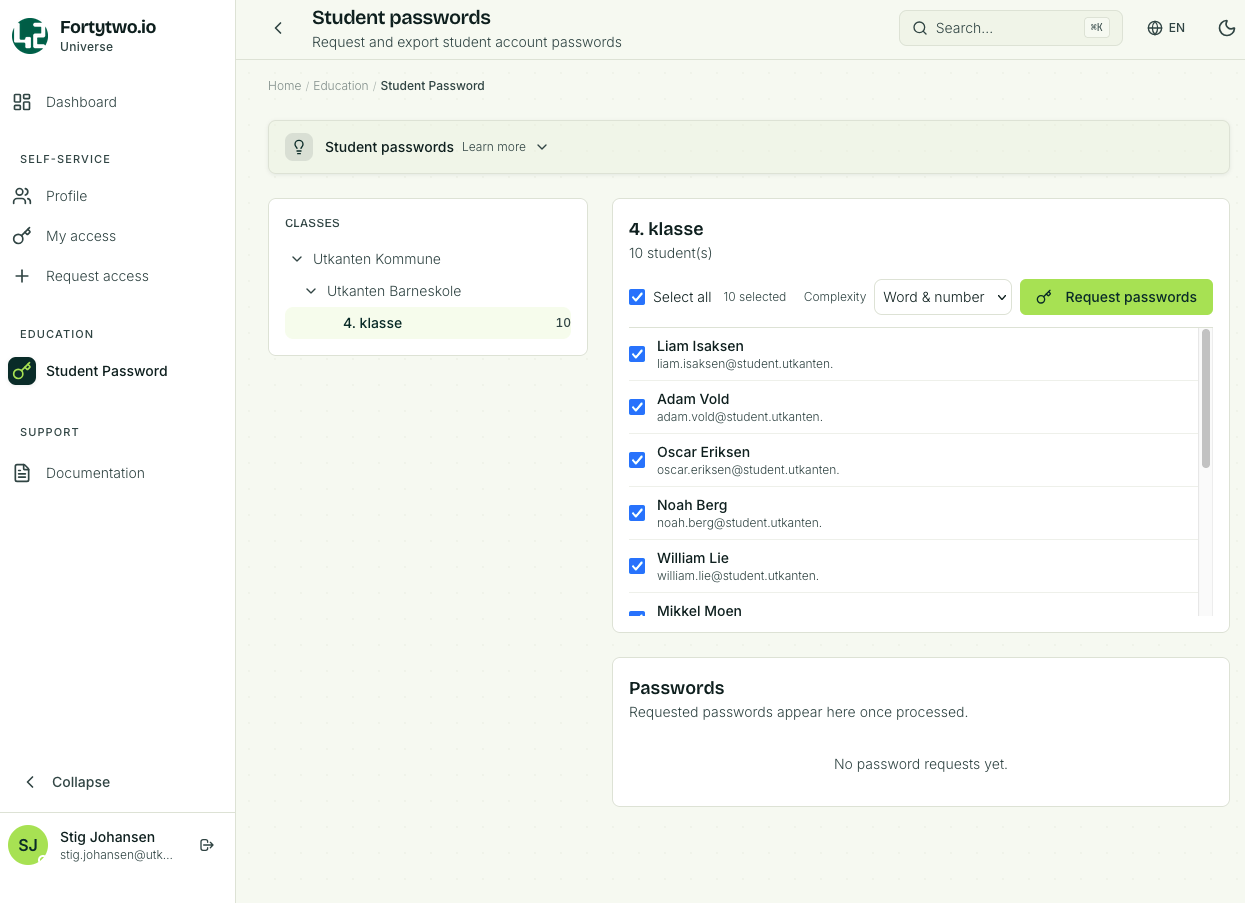
Student password
The Student password page will list the class, one or several, that you are responsible for.
If you are a teacher and you have a class of students the class and students will be listed. You will be able reset the password for a single student, or multiple.
The same applies for support personnel, usually local IT support, that have been delegated reset password permissions for a selection of students.
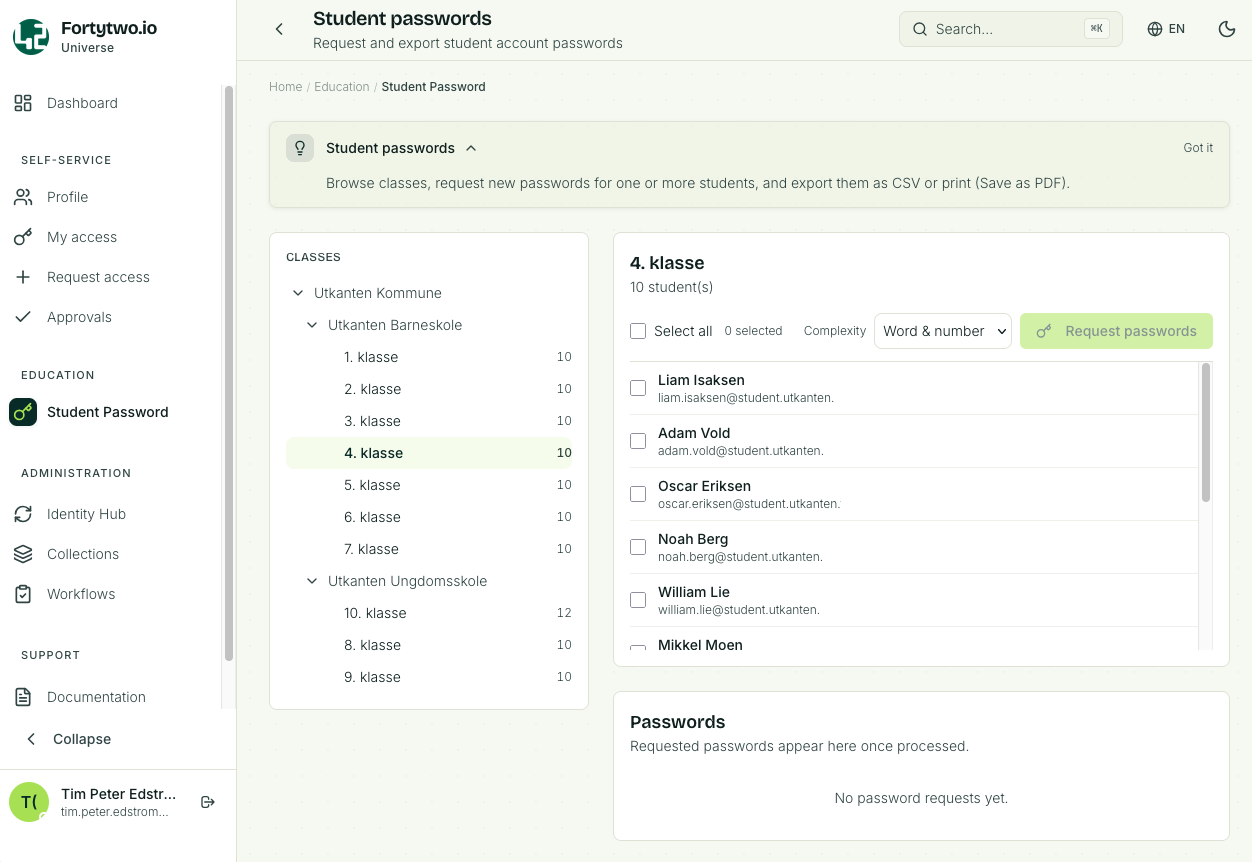
If you are an administrator you will be able to see all registered schools and classes, but you will not be able to reset passwords (trying to do so will display an error).
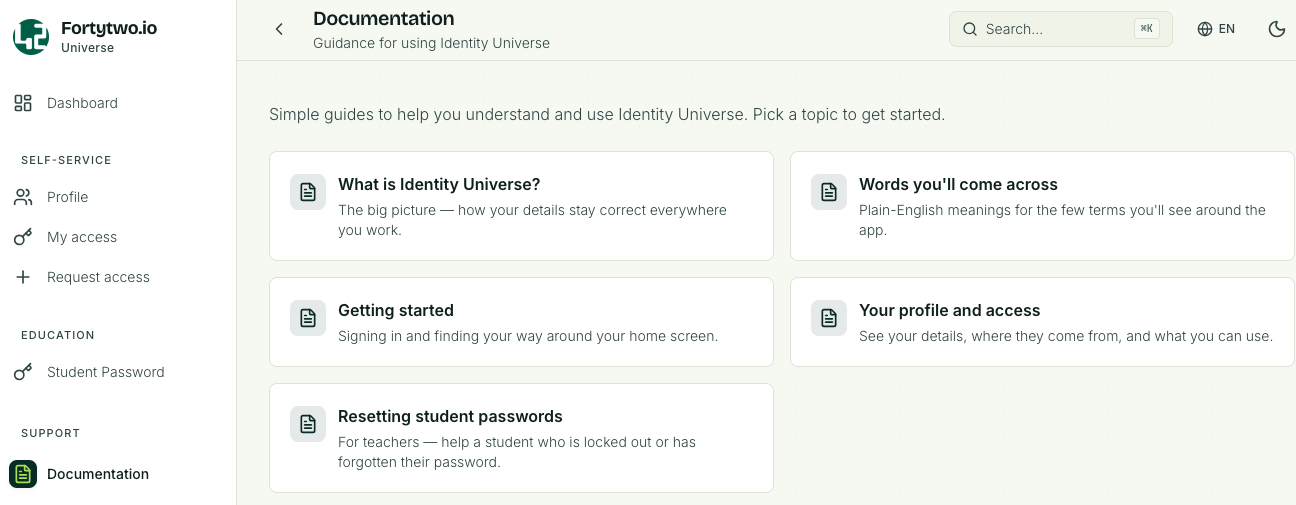
Documentation
The Documentation page will contain be the place to go for user guides and explanations on how to navigate the Identity Universe. This section will keep growing as features are added.
Identity Universe IAM administrator
For Identity Universe IAM administrators we refer to the IAM admins section.